
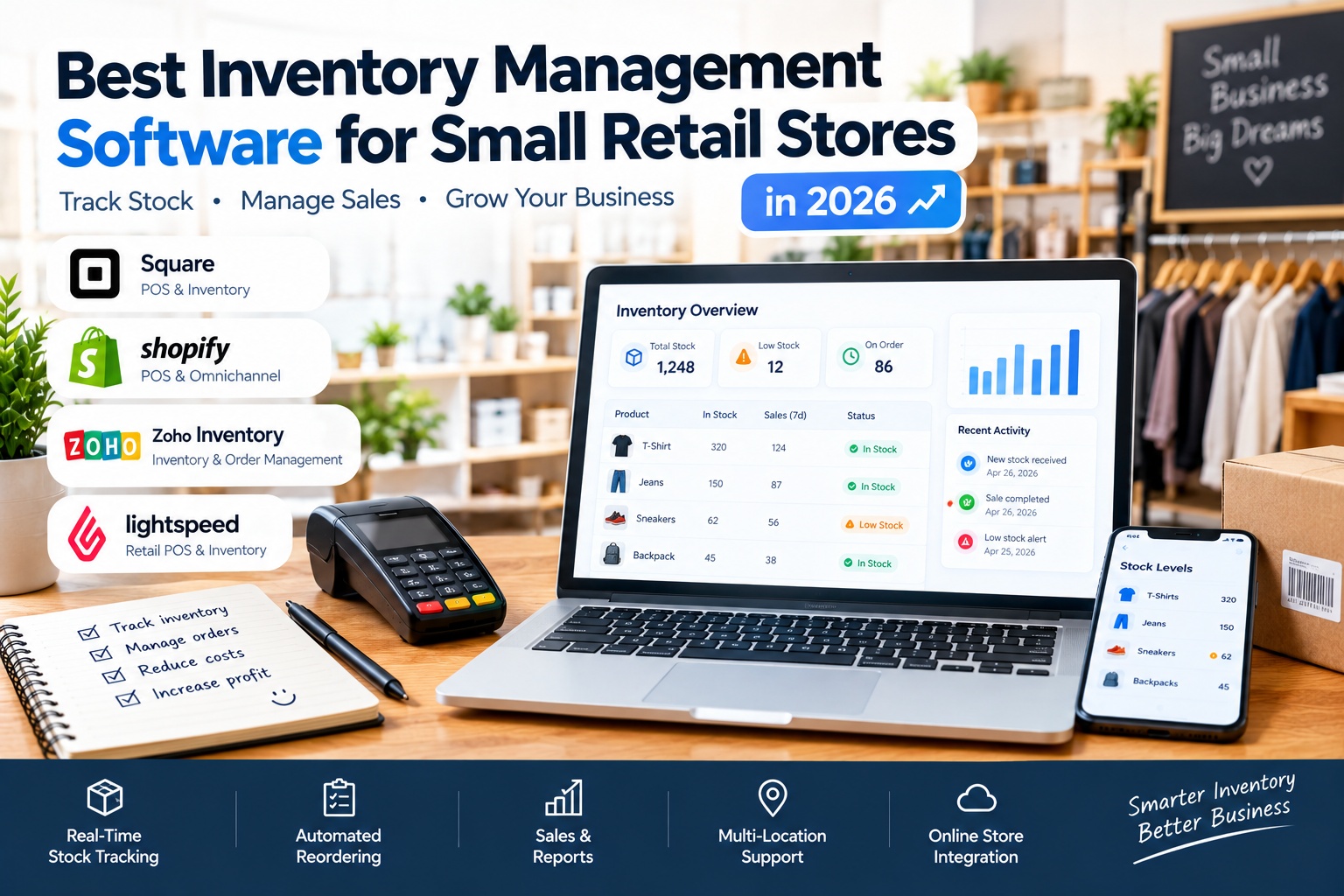
Best Inventory Management Software for Small Retail Stores in 2026
Managing inventory efficiently is essential for running a successful small retail store. Whether you own a clothing boutique, grocery shop, cosmetics store, electronics shop, or convenience store, keeping track of products, sales, and supplier orders can help you reduce waste, prevent stockouts, and protect your profits.
As your business grows, spreadsheets and manual stock counts can become difficult to maintain. Inventory management software helps you monitor stock levels, organize products, track sales, and identify when it is time to reorder. Some platforms also combine inventory tracking with point-of-sale systems, customer management, sales reporting, and online store integration.
The best inventory management software for a small retail business depends on your budget, product catalog, number of store locations, and sales channels. Below are some of the best options to consider in 2026, including their key features, advantages, and limitations.
1. Square for Retail
Square for Retail is a retail point-of-sale and inventory management solution designed to help small businesses manage everyday store operations. It combines checkout, product management, stock tracking, and sales reporting in one system, making it a practical option for independent retailers who want to simplify their daily workflow.
Key Features
Square for Retail offers inventory tracking, bulk stock management, low-stock alerts, product catalog management, sales reports, and inventory history. Retailers can monitor product movements, receive stock, adjust quantities, and review sales performance. Depending on the plan, additional features include purchase orders, vendor management, barcode labels, and cost-of-goods-sold reporting.
The platform can also synchronize inventory between physical stores and supported online sales channels, helping businesses maintain more accurate stock records.
Advantages
- Easy-to-understand interface for everyday retail operations.
- Combines inventory management and checkout in one platform.
- Provides sales reports and inventory tracking tools.
- Offers a free plan for eligible businesses in supported markets.
- Advanced features are available for retailers who need more control over purchasing and stock management.
Disadvantages
- Some advanced inventory tools require a paid plan.
- Availability of hardware, payment processing, and services varies by country.
- Businesses with complex manufacturing or warehouse requirements may need a more specialized system.
- Retailers should confirm compatibility with their existing payment terminals and accounting software before switching.
Best For
Square for Retail is a strong choice for small shops that want an integrated point-of-sale and inventory system without managing multiple disconnected applications. It is particularly worth considering for independent retailers operating in a supported market.
Official website: Square for Retail
2. Shopify POS
Shopify POS connects in-store retail operations with Shopify’s e-commerce platform. It is especially useful for small businesses that sell products both in a physical shop and through an online store.
Key Features
Shopify POS synchronizes inventory across supported sales channels and locations. Retailers can manage product variants, track stock quantities, receive inventory, transfer products between locations, and review sales reports. Depending on the plan and configuration, additional capabilities include purchase orders, barcode-assisted stock counts, low-stock alerts, and advanced inventory reporting.
The system also connects inventory with online orders, returns, and exchanges, helping retailers maintain a consistent view of available products.
Advantages
- Connects physical retail and online selling in one ecosystem.
- Synchronizes stock across supported locations and sales channels.
- Supports product variants such as sizes and colors.
- Provides customer profiles and sales analytics.
- Can support business growth from one shop to multiple locations.
Disadvantages
- Subscription costs and additional POS features can increase the overall expense.
- Some advanced retail functions require a higher plan or additional applications.
- Businesses that only need basic stock tracking may find Shopify more comprehensive than necessary.
- Payment processing and hardware availability vary by region.
Best For
Shopify POS is ideal for small retailers that want to grow an online store alongside their physical shop. It is particularly suitable for clothing boutiques, gift shops, beauty stores, and retailers that sell through several channels.
Official website: Shopify POS
3. Zoho Inventory
Zoho Inventory is a cloud-based inventory and order management platform for businesses that need more control over stock, purchasing, and fulfillment. It can be useful for small retailers that sell through multiple channels or need to coordinate products across several storage locations.
Key Features
Zoho Inventory includes stock tracking, purchase orders, supplier management, sales orders, warehouse controls, barcode functions, and inventory reports. It also supports serial and batch tracking, inventory adjustments, and reorder points to help businesses monitor stock and plan replenishment.
The platform integrates with other Zoho applications and supported third-party services, which can help retailers connect inventory operations with invoicing, accounting, and order fulfillment.
Advantages
- Provides detailed inventory and order management features.
- Supports multiple warehouses and stock transfers.
- Offers barcode and serial-number tracking capabilities.
- Helps organize purchasing and supplier-related workflows.
- Integrates with a broader business software ecosystem.
Disadvantages
- The range of features can take time to learn.
- Some advanced capabilities and integrations may depend on the selected plan.
- Retailers primarily focused on in-store checkout may need a separate POS solution or an integration.
- Businesses should check whether their preferred sales channels and local services are supported.
Best For
Zoho Inventory is a good option for small retailers that manage both in-store and online orders, need more advanced purchasing controls, or expect their stock operations to become more complex.
Official website: Zoho Inventory
4. Lightspeed Retail
Lightspeed Retail combines point-of-sale functionality with inventory, supplier, and sales management tools. It is designed for retailers that need more detailed stock control, including businesses with large product catalogs, multiple locations, or products with several variants.
Key Features
Lightspeed Retail supports product and variant management, real-time inventory tracking, purchase orders, supplier workflows, stock transfers, and inventory reporting. Retailers can manage different sizes, colors, and other product variations while monitoring stock across supported locations and channels.
Its reporting and forecasting capabilities can help businesses identify popular products, spot slow-moving stock, and make more informed replenishment decisions. Certain features and reporting tools may depend on the subscription plan.
Advantages
- Detailed inventory tools for product-heavy retail businesses.
- Supports multiple locations and sales channels.
- Helps organize suppliers and purchase orders.
- Includes reporting tools to analyze sales and stock performance.
- Particularly useful for retailers with complex product variants.
Disadvantages
- May be more expensive than simpler inventory applications.
- Some features can require additional subscriptions or specific plans.
- Initial setup and staff training may take time.
- Availability of payments, integrations, and certain features varies by market.
Best For
Lightspeed Retail is worth considering for growing clothing stores, sporting-goods retailers, home décor shops, and other businesses that need advanced inventory management alongside their point-of-sale system.
Official website: Lightspeed Retail
5. How to Choose the Right Inventory Management Software
Choosing inventory software should start with your store’s actual needs rather than the number of features advertised by a provider. A small neighborhood shop may need basic stock counts and low-stock alerts, while a retailer selling online and in person may need real-time synchronization across multiple channels.
Before subscribing, consider the size of your product catalog, the number of employees who will use the system, the number of store locations, and whether you need barcode scanning or supplier purchase orders. If your products have multiple sizes, colors, or variations, make sure the platform can manage each variant accurately.
You should also consider the total cost of ownership. In addition to the monthly subscription, check for payment processing fees, hardware expenses, paid integrations, onboarding costs, and charges for additional locations or users.
Compare the available options directly using their official feature pages: Square for Retail, Shopify POS, Zoho Inventory, and Lightspeed Retail.
6. Essential Features to Look for in Retail Inventory Software
The right software should help you maintain accurate stock records while making everyday store operations easier. Although the ideal feature set depends on your business, several capabilities are particularly valuable for small retailers.
Real-Time Stock Tracking
Inventory quantities should update when products are sold, returned, received, or transferred. Accurate stock tracking helps reduce discrepancies between recorded inventory and the products actually available on your shelves.
Low-Stock Alerts and Reordering
Low-stock notifications can help you identify products that need replenishment before they run out. Purchase orders and reorder suggestions can make supplier ordering more organized and reduce the risk of overstocking.
Barcode Scanning
Barcode support can speed up receiving, stock counts, and checkout. It can also reduce errors caused by manually entering product names or stock quantities.
Sales and Inventory Reports
Reports help you understand which products sell quickly, which remain on shelves, and how sales change over time. These insights can support better purchasing decisions and help you use your working capital more efficiently.
Multi-Location and Online Store Integration
If you sell from several locations or operate both a physical shop and an online store, inventory synchronization becomes especially important. The software should support your specific sales channels and keep available stock as consistent as possible.
7. Benefits of Inventory Management Software for Small Shops
Using inventory management software can reduce the time spent on repetitive administrative tasks and give store owners a clearer view of business performance. Instead of relying on memory or scattered spreadsheets, retailers can use organized records to track stock movements and review product availability.
Automated stock updates can help prevent overselling and reveal products that need to be reordered. Sales reports can also help identify slow-moving inventory, making it easier to plan promotions or adjust future purchasing.
Another important benefit is improved accountability. A structured system can make it easier to review inventory adjustments, monitor supplier deliveries, and investigate discrepancies. These benefits depend on accurate setup, consistent use, and regular physical stock counts.
8. Common Inventory Management Mistakes to Avoid
Even the best software cannot solve every inventory problem if the underlying records are inaccurate. One common mistake is failing to record deliveries, returns, damaged products, or stock transfers promptly. This can cause the software to show quantities that do not match the actual stock.
Another mistake is ordering products based only on intuition instead of reviewing sales patterns and supplier lead times. Retailers should use historical demand as a guide while accounting for seasonal changes, promotions, and unexpected fluctuations.
It is also important to avoid paying for advanced features that the business does not need. Start with the essential workflows, train employees properly, and expand the system as your operations become more complex.
Finally, do not assume that every platform works in every country. Before purchasing, confirm local availability, tax and accounting requirements, payment integrations, hardware compatibility, and the support options offered to your business.
Conclusion
The best inventory management software for a small retail store is the one that fits its products, budget, daily workflow, and growth plans. Square for Retail offers an integrated POS and inventory solution, Shopify POS connects physical and online selling, Zoho Inventory provides detailed stock and order management, and Lightspeed Retail offers advanced retail inventory tools for businesses with more complex needs.
Before making a decision, compare the features you will actually use, check the total cost, and test the software with your existing product catalog whenever possible. Choosing a suitable inventory system can help you maintain more accurate stock records, reduce avoidable errors, improve purchasing decisions, and run your store more efficiently.


