
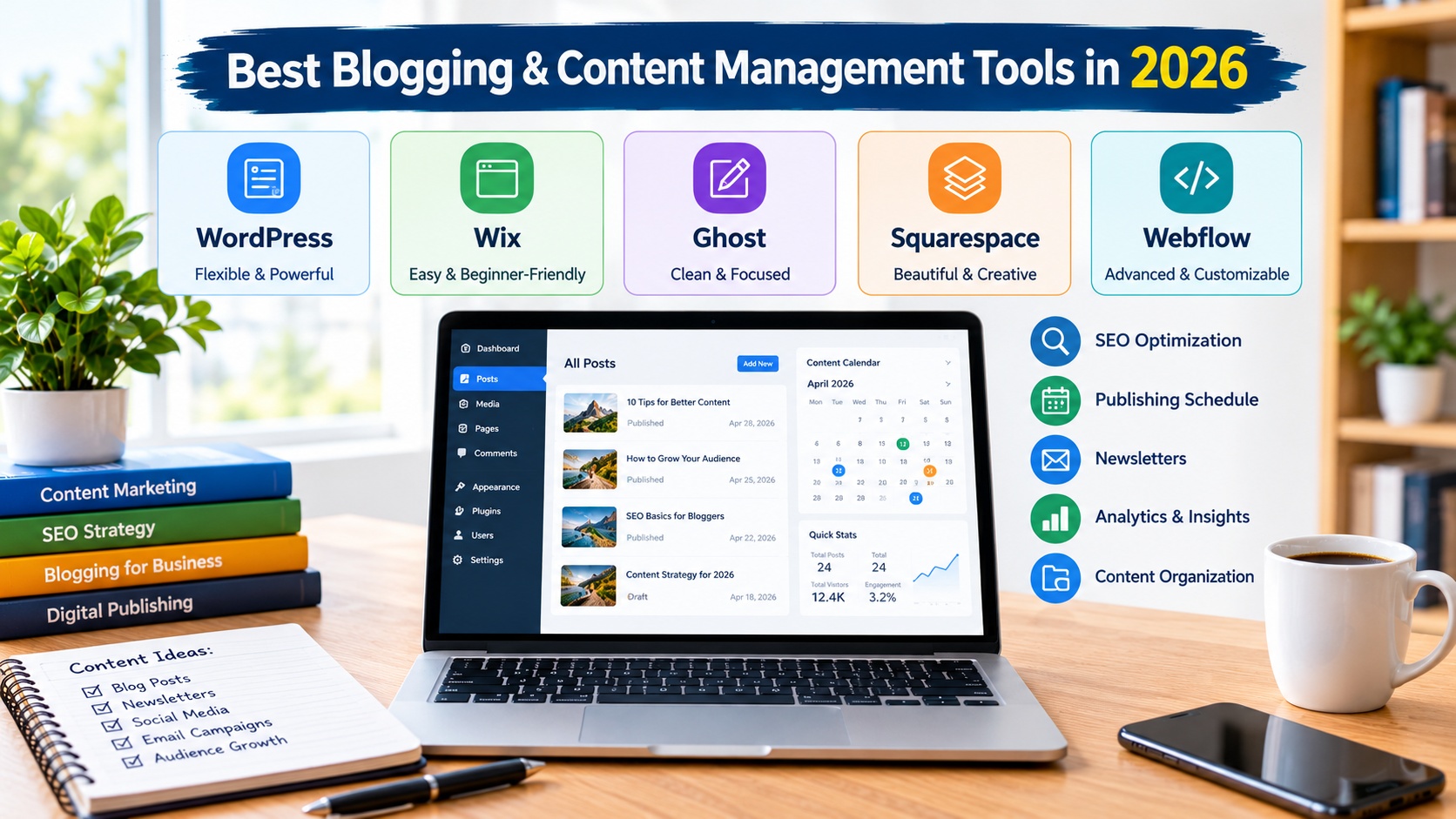
Best 5 Blogging and Content Management Tools in 2026
The Best Blogging and Content Management Tools
Choosing the best blogging and content management tools in 2026 is essential for bloggers, website owners, digital marketers, affiliate marketers, and businesses that want to build a strong online presence. The right content management system (CMS) makes it easier to create articles, organize website pages, manage images, publish content, improve search engine optimization (SEO), and attract a larger audience.
Modern blogging platforms offer features such as customizable templates, editorial workflows, content scheduling, analytics integrations, AI-assisted writing, and tools for managing multiple authors. Some platforms prioritize flexibility and complete website control, while others focus on simplicity, professional design, or newsletter publishing.
In this guide, we explore five of the best blogging and content management tools in 2026: WordPress, Wix, Ghost, Squarespace, and Webflow. We examine their features, advantages, limitations, and suitability for different types of websites. We also provide links to official websites and Amazon Germany searches for educational books about blogging, SEO, and content management.
1. WordPress: Best Overall Blogging and Content Management Tool
Official Website: https://wordpress.org/
WordPress is one of the most versatile content management systems available for creating blogs, business websites, online magazines, educational platforms, and affiliate marketing websites. Its extensive customization options and powerful publishing features make it an excellent choice for beginners and experienced content creators who want to develop a website that can grow over time.
WordPress.org provides free, open-source software that can be installed on compatible web hosting. Users can choose their own hosting provider, select a suitable theme, and install plugins to add functionality. This approach provides significant control over website design, content organization, and technical configuration.
One of the most valuable WordPress features is its content editor, which allows users to create structured articles using headings, paragraphs, images, galleries, buttons, and other content blocks. Website owners can organize posts using categories and tags, manage pages, schedule publications, and create a consistent editorial structure.
WordPress also offers extensive SEO possibilities. Website owners can customize permalinks, create internal links, optimize image descriptions, and use SEO plugins to manage metadata, XML sitemaps, and structured data. These tools help establish a strong technical foundation for organic search visibility, although rankings depend on content quality, competition, and other factors.
Another major advantage is the large ecosystem of themes and plugins. Depending on the website’s needs, users can add contact forms, performance optimization, security tools, analytics, email marketing integrations, and e-commerce functionality. Plugins should be selected carefully and kept updated to reduce compatibility and security risks.
WordPress is particularly suitable for affiliate websites and content publishers because it allows owners to organize large amounts of information, create related article collections, and customize their monetization strategy. With appropriate hosting and maintenance, a WordPress website can support a small personal blog or a large publishing operation.
However, self-hosted WordPress requires more responsibility than an all-in-one hosted platform. Users must consider hosting costs, backups, software updates, security, and technical maintenance. Premium themes and plugins may also introduce additional expenses.
Best for: Professional bloggers, affiliate marketers, online magazines, content publishers, and businesses.
Main features: Content editor, customizable themes, extensive plugins, categories and tags, editorial scheduling, SEO integrations, and e-commerce support.
Advantages: High flexibility, extensive customization, control over website files and databases when self-hosted, and strong content publishing capabilities.
Potential limitations: Requires hosting and ongoing maintenance, while advanced functionality may involve additional costs.
For educational resources about WordPress and content management, visit Amazon Germany: WordPress Books and Guides.
2. Wix: Best Blogging Tool for Beginners
Official Website: https://www.wix.com/
Wix is a beginner-friendly website builder with integrated blogging and content management features. It is designed for people who want to create and manage a professional website without extensive programming knowledge. Its visual editing tools make it suitable for small businesses, freelancers, personal bloggers, and entrepreneurs.
One of Wix’s main advantages is its drag-and-drop editor. Users can customize page layouts, add images, arrange text, create navigation menus, and adjust design elements through a visual interface. The platform also offers AI-assisted website creation features that can help users establish an initial site structure and refine it according to their requirements.
Wix includes blogging tools for writing articles, organizing posts, managing categories, and presenting content through customizable layouts. Depending on the available features and configuration, website owners can also manage author information, social sharing, comments, and other reader engagement options.
For SEO, Wix provides settings for page titles, meta descriptions, URL structures, image alternative text, and search engine indexing. Users can also connect analytics and search performance services to monitor website activity and identify opportunities for improvement.
Wix is particularly useful for bloggers who want to combine articles with other website features. For example, a small business can publish educational blog posts while maintaining service pages, contact forms, appointment booking tools, and an online store within the same website.
Another benefit is integrated hosting, which reduces the technical work associated with managing a separate server. Users can concentrate on content creation and website design instead of handling every infrastructure detail.
Nevertheless, some advanced features require paid subscription plans. Users should also consider the platform’s migration limitations before building a large website, especially if they expect to move their entire website to another content management system in the future.
For beginners seeking a convenient publishing solution, Wix provides an accessible way to create, manage, and promote blog content.
Best for: Beginners, personal bloggers, freelancers, small businesses, and service providers.
Main features: Visual editor, AI-assisted website creation, blogging tools, customizable templates, integrated hosting, SEO settings, and business integrations.
Advantages: Easy to use, minimal technical setup, and the ability to manage a blog alongside a complete business website.
Potential limitations: Some features require paid plans, and advanced customization or website migration may be more restricted than with self-hosted solutions.
Learn more about website publishing through Amazon Germany: Wix and Blogging Guides.
3. Ghost: Best Content Management Platform for Professional Writers and Newsletters
Official Website: https://ghost.org/
Ghost is a publishing platform built for independent writers, digital publishers, bloggers, and businesses that want to combine online articles with newsletters and membership services. Its focused approach makes it particularly attractive to creators who want to build a direct relationship with their audience.
One of Ghost’s most important features is its integrated publishing environment. Writers can create articles, organize their publications, manage content, and publish posts through a clean editor designed for writing and reading. This approach helps reduce distractions and makes it easier to maintain a consistent publishing schedule.
Ghost also supports newsletter publishing, allowing creators to distribute selected articles and updates to email subscribers. This functionality can help publishers develop a loyal readership instead of depending exclusively on search engine traffic or social media platforms.
Another important feature is membership management. Depending on the hosting arrangement, configuration, and payment integration, publishers can offer free memberships, paid subscriptions, and premium content. These capabilities make Ghost suitable for independent publications, specialist newsletters, educational content, and subscription-based websites.
From an SEO perspective, Ghost includes features for managing important publishing settings, including page metadata, structured content, and XML sitemaps. A well-organized Ghost website can provide a solid foundation for search visibility, particularly when the publisher focuses on useful, original articles and a clear topic structure.
Ghost offers a hosted service as well as open-source software that can be self-hosted. The hosted option reduces technical maintenance, while self-hosting provides more infrastructure control but requires appropriate technical knowledge.
One limitation is that Ghost has a more focused ecosystem than WordPress. Websites requiring extensive plugin-based functionality, complex e-commerce systems, or highly specialized integrations may need additional development work or another platform.
Overall, Ghost is a strong choice for writers and publishers who want a streamlined publishing workflow, newsletter tools, and membership features in one environment.
Best for: Independent writers, newsletter publishers, professional bloggers, digital magazines, and membership-based publications.
Main features: Article editor, newsletter publishing, membership management, subscription options, SEO settings, and publishing tools.
Advantages: Writing-focused interface, integrated newsletter capabilities, and tools for building a direct audience relationship.
Potential limitations: A smaller extension ecosystem than WordPress and additional technical requirements for self-hosting.
For additional publishing and blogging education, explore Amazon Germany: Blogging and Newsletter Publishing Books.
4. Squarespace: Best Content Management Tool for Design-Focused Blogs
Official Website: https://www.squarespace.com/
Squarespace is a website builder that combines professional design templates with integrated blogging and content management tools. It is particularly suitable for creative professionals, photographers, consultants, designers, and businesses that want their articles to appear within a visually polished website.
The platform provides templates and customizable page layouts that allow users to create consistent branding without building every design element from scratch. Its visual editing environment makes it possible to arrange text, photographs, videos, and other content blocks while maintaining a cohesive appearance.
Squarespace includes blogging features for creating and publishing articles, organizing posts, assigning categories and tags, and managing author information. Users can also create different types of website pages, such as service descriptions, portfolio collections, and landing pages, alongside their blog.
Its publishing tools can support editorial planning and content distribution. Depending on the available plan and configuration, users may also have access to scheduling, email marketing integrations, and additional audience engagement features.
Squarespace provides SEO settings for important page information, URLs, and image descriptions. Website owners can use these settings to improve the clarity of their pages for search engines. As with other platforms, successful SEO requires more than technical configuration; it also depends on useful content, relevant keywords, site performance, and a logical internal linking structure.
Another advantage is integrated hosting and website management. This reduces the need to configure separate hosting infrastructure and allows users to focus on publishing and presentation.
Squarespace is especially effective for blogs that rely heavily on photography, visual storytelling, and strong branding. However, its customization options and extension ecosystem may be less flexible than those of self-hosted WordPress.
Users should compare available plans carefully, especially if they require advanced commerce features, membership tools, or integrations with external services.
Best for: Creative bloggers, photographers, designers, consultants, portfolios, and small business websites.
Main features: Professional templates, visual editing, blogging tools, content scheduling, categories and tags, SEO settings, and integrated hosting.
Advantages: Attractive layouts, consistent design, convenient publishing tools, and relatively straightforward website management.
Potential limitations: Some advanced features depend on subscription plans, and complex customization may be more difficult than with an open-source CMS.
To explore additional design and publishing resources, visit Amazon Germany: Squarespace and Web Design Books.
5. Webflow: Best Content Management Tool for Advanced Website Design
Official Website: https://webflow.com/
Webflow is a visual website development platform that combines advanced design controls with content management capabilities. It is particularly useful for professional designers, creative agencies, startups, and businesses that need highly customized websites with structured content.
Unlike simpler blogging platforms, Webflow provides detailed control over page layouts, typography, spacing, responsive behavior, and visual interactions. Users can build sophisticated designs through a visual interface without manually coding every component.
Its content management system allows website owners to create structured collections for articles, authors, projects, case studies, and other repeatable content. This is useful for websites that publish content regularly and need consistent page layouts across multiple entries.
Webflow can support editorial and marketing workflows in which content is managed separately from its presentation. Depending on the selected plan and team configuration, multiple people can contribute to website projects and publishing activities.
SEO features include customizable page titles, meta descriptions, URL settings, redirects, and sitemap-related functionality. These tools can help website owners maintain a clear website structure and optimize their content for search engines.
The platform is particularly useful for businesses that want to combine a professional blog with landing pages, product information, case studies, and other marketing materials. Its design flexibility makes it possible to establish a distinctive visual identity across different sections of a website.
However, Webflow has a steeper learning curve than many beginner-oriented blogging platforms. Users may benefit from understanding responsive design, layout systems, and basic web development concepts. Subscription costs and available CMS features should also be reviewed before selecting a plan.
For bloggers who prioritize design control and structured content, Webflow offers a capable alternative to simpler website builders.
Best for: Web designers, creative agencies, startups, marketing teams, and businesses with advanced design requirements.
Main features: Visual design editor, content collections, responsive layouts, reusable components, interactive elements, and SEO settings.
Advantages: Advanced design flexibility, structured content management, and the ability to combine blogging with sophisticated marketing websites.
Potential limitations: A steeper learning curve, plan-dependent features, and potentially higher costs for advanced requirements.
For additional learning resources, explore Amazon Germany: Web Design and Content Management Books.
Comparison of the Best Blogging and Content Management Tools in 2026
The five platforms offer different advantages depending on your publishing goals. WordPress is the strongest general-purpose choice for users who need flexibility and extensive control. Wix is suitable for beginners who prefer a visual editor and integrated website features. Ghost is particularly attractive for professional writers and newsletter publishers. Squarespace is well suited to design-focused blogs, while Webflow offers advanced control over layouts and structured content.
For an affiliate marketing website or a large SEO-focused blog, WordPress is often a practical choice because of its customization options and extensive publishing ecosystem. For a simple personal blog, Wix or Squarespace may reduce the time needed to launch and maintain a website.
If your main objective is to build a paid newsletter or a publication with memberships, Ghost deserves serious consideration. Businesses that need distinctive layouts, detailed design control, and structured marketing content may prefer Webflow.
Before choosing a platform, compare hosting arrangements, subscription costs, domain registration, available integrations, backup options, content export capabilities, and the level of technical maintenance required.
Remember that the most expensive or feature-rich platform is not necessarily the best option. The right tool is the one that supports your current needs while allowing your website to grow without unnecessary complexity.
How to Improve SEO with Blogging and Content Management Tools
Search engine optimization is an essential part of building a successful blog. A suitable content management system can simplify technical tasks, but achieving strong search visibility requires a consistent strategy focused on useful content and a positive user experience.
Start with keyword research to understand what your target audience is searching for. Choose a primary topic for each article and use relevant terms naturally in the title, introduction, headings, and body text. Avoid keyword stuffing, which can make content difficult to read and reduce its usefulness.
Create original articles that answer specific questions and provide clear, practical information. Organize your content into logical categories and connect related articles with relevant internal links. This helps visitors discover additional information and makes the website easier to navigate.
Optimize page titles, meta descriptions, image alternative text, and URL structures. Use descriptive headings and compress large images where appropriate to help maintain good website performance. Check that pages work properly on mobile devices and that important content can be accessed without unnecessary obstacles.
An editorial calendar can also improve SEO by helping you publish consistently and cover related subjects systematically. Review older articles periodically to correct outdated information, improve clarity, and add useful details where necessary.
Use analytics and search performance tools to understand how people find your website and which pages need improvement. Avoid relying solely on automated SEO scores, because no plugin or platform can guarantee high search engine rankings.
For websites serving visitors in Germany and other European Union countries, review applicable privacy, cookie consent, copyright, and consumer protection requirements. The exact obligations depend on the website’s activities and the data it collects. Use properly licensed images, original writing, authorized fonts, and legally obtained media assets rather than assuming that publicly accessible content is free to reuse.
Are Blogging and Content Management Tools Available on Amazon Germany?
Most major blogging and content management platforms are software services rather than physical products sold through Amazon. WordPress.org software is available free of charge, although self-hosted websites generally require a hosting service and may involve additional expenses. Wix, Ghost’s hosted service, Squarespace, and Webflow offer their own service plans through their official websites.
For this reason, the Amazon Germany links in this article lead to searches for relevant educational books instead of incorrectly presenting these platforms as physical products available for purchase on Amazon.
Blogging books, SEO guides, website management manuals, and content marketing resources can help beginners understand how to create, optimize, and maintain a successful website. Availability, language, editions, prices, and delivery options may vary across Amazon Germany and other European Union marketplaces.
Before purchasing a book, check its publication date and ensure that its instructions match the current version of the platform you intend to use.
Conclusion: Which Are the Best Blogging and Content Management Tools in 2026?
The best blogging and content management tools in 2026 provide different solutions for creating, organizing, publishing, and optimizing online content. WordPress is an excellent choice for flexibility and long-term publishing projects, Wix offers an accessible starting point for beginners, Ghost focuses on professional publishing and newsletters, Squarespace emphasizes visual presentation, and Webflow provides advanced design and structured content management.
To make the right decision, consider your budget, technical experience, SEO requirements, publishing frequency, monetization strategy, and long-term website goals. Compare the available features and hosting arrangements before committing to a platform.
By choosing the right content management system, publishing original and valuable articles, applying effective SEO practices, and respecting applicable copyright and privacy requirements, you can build a sustainable blog that attracts readers and supports your online business.


