
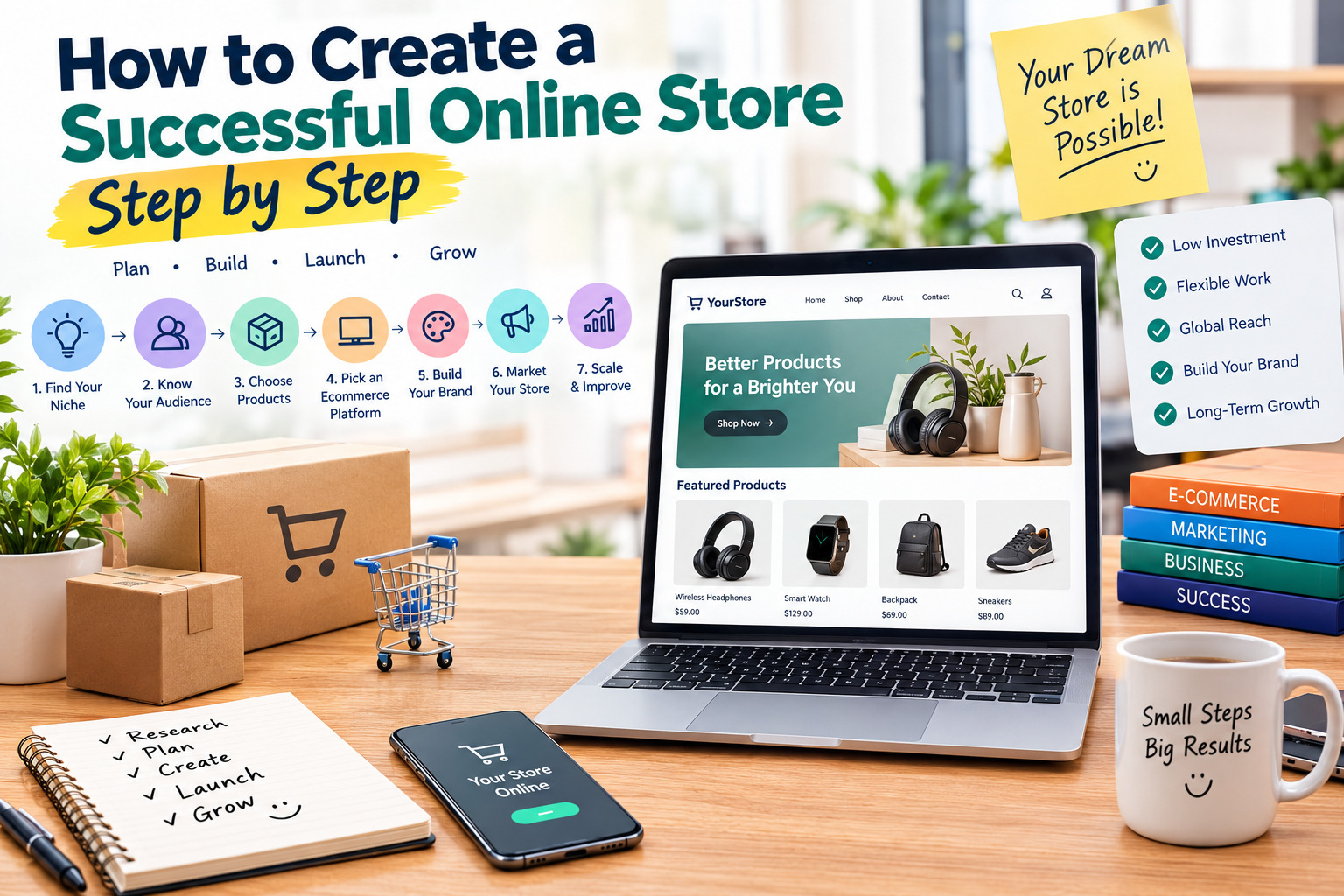
How to Create a Successful Online Store Step by Step
Creating a successful online store involves much more than adding products to a website. You need to understand your target customers, choose products with real demand, build a trustworthy shopping experience, offer convenient payment and delivery options, and attract visitors through effective marketing.
The good news is that you do not need to be a professional developer to get started. Modern ecommerce platforms provide tools for designing storefronts, managing inventory, processing orders, and promoting products. The key is to build a store around a clear business strategy rather than spending too much time on appearance before validating your idea.
This step-by-step guide explains how to create an online store, select the right tools, avoid common mistakes, and develop a practical plan for long-term growth.
Step 1: Choose a Profitable Niche and Define Your Business Idea
The first step is deciding what your online store will sell and who it will serve. A niche is a specific market or customer group with shared needs, interests, or purchasing habits. Examples include home organization products, accessories for pet owners, handmade gifts, fitness equipment, educational materials, or specialty products for small businesses.
A focused niche makes it easier to understand customer expectations, select suitable products, create relevant marketing messages, and distinguish your store from general retailers. Instead of trying to sell everything, begin with a category you understand or a problem you can solve.
Before choosing a niche, investigate existing competitors, customer reviews, product prices, shipping requirements, and signs of demand. Look for repeated complaints that could reveal opportunities, such as poor product quality, unclear instructions, limited product choices, or slow customer support. Avoid assuming that a popular trend automatically represents a profitable business.
Helpful resources: Google Trends helps you explore search interest over time, while Exploding Topics can help you discover emerging market trends and product ideas.
Step 2: Research Your Target Audience and Competitors
A successful online store serves a clearly defined audience. Identify who your potential customers are, what problems they want to solve, how much they may be willing to spend, and what influences their buying decisions.
Create a simple customer profile based on practical information such as shopping habits, product preferences, budget, location, and common concerns. Read reviews on competing stores and marketplaces to understand what customers appreciate and what they believe is missing from existing products or services.
Competitor research should examine more than prices. Review product presentation, delivery promises, return policies, payment options, customer service, website navigation, and promotional strategies. Your goal is not to copy competitors but to identify a reason customers might choose your store instead.
Helpful resources: Similarweb provides website traffic and competitor research tools, while Google Trends helps compare interest in related topics and products.
Step 3: Select Products and Validate Demand
Once you understand the market, choose the products you want to offer. You can sell physical goods, digital downloads, handmade items, private-label products, or products supplied through a fulfillment partner. Each model has different costs, responsibilities, and profit potential.
Start with a manageable product range instead of launching hundreds of listings. A smaller collection makes it easier to control quality, calculate costs, create accurate product descriptions, and understand which items attract attention.
Validate demand before making a large investment. You can collect feedback from potential customers, test a small batch, publish a landing page, or measure interest through a limited marketing campaign. For physical products, investigate supplier reliability, minimum order quantities, shipping costs, and product standards. For digital products, confirm that your offer solves a real problem and is easy to use.
Helpful resources: Alibaba can help businesses research wholesale suppliers, while Etsy offers insight into qualifying handmade, vintage, and creative product categories. Always verify supplier terms and marketplace policies before making purchasing decisions.
Step 4: Choose the Right Ecommerce Platform
Your ecommerce platform is the software used to build and manage your store. The right choice depends on your budget, technical experience, product range, customization needs, and expected growth.
Shopify
Shopify is a hosted ecommerce platform that brings storefront design, product management, checkout, order processing, and integrations together in one system. It can be suitable for beginners who want to launch without managing their own hosting infrastructure.
Its advantages include guided setup, customizable themes, integrated store management, and a large ecosystem of apps. Potential drawbacks include subscription costs, additional charges for some services, and feature limitations that depend on the selected plan and integrations.
Create your store: Shopify
WooCommerce
WooCommerce is an open-source ecommerce platform built for WordPress. It provides flexibility over store design, product types, content, and functionality, making it attractive to businesses that want greater control over their website.
Its main advantages include extensive customization, a broad extension ecosystem, and the ability to combine ecommerce with blogging and content marketing. However, you may need to manage hosting, updates, backups, security, and compatibility between plugins.
Create your store: WooCommerce
Wix Ecommerce
Wix provides website-building tools with ecommerce features for businesses that value visual design and straightforward site editing. It can be a convenient option for smaller stores, creative brands, and businesses that want to manage their website and products through a visual interface.
Its strengths include design flexibility, templates, and integrated website features. Before choosing it, check the ecommerce features, payment options, and plan requirements available in your region.
Create your store: Wix
BigCommerce
BigCommerce offers ecommerce tools for businesses that need a structured storefront and more advanced selling capabilities. Depending on the plan and setup, it can support extensive catalogs, multiple sales channels, and integrations with other business systems.
Its strengths include built-in commerce functionality and options for expanding operations. Some features may require more time to configure, and total costs depend on the plan, integrations, and business requirements.
Create your store: BigCommerce
Compare the total cost of each platform, including subscriptions, hosting where applicable, themes, extensions, transaction fees, and payment processing. Also verify that the platform and your preferred payment provider support your business location before committing. Official platform documentation can help you understand setup requirements and limitations. <Cite refs={[“turn894473search3″,”turn894473search6″,”turn894473search10”]}/>
Step 5: Choose a Business Name, Domain, and Brand Identity
Your business name should be easy to recognize, spell, and remember. Ideally, it should reflect your store’s positioning without being so narrow that it prevents future expansion. Before making a final decision, check whether the name is already used by another business and whether the corresponding domain is available.
A domain name is your store’s web address. A relevant, professional domain helps customers find your business and recognize your brand across search results, social media, and email communications.
Your brand identity should use a consistent logo, color palette, typography, and visual style. Consistency across product pages, packaging, emails, and social profiles can make a new store appear more professional and recognizable.
Helpful resources: Namecheap offers domain registration services, while Canva provides design tools for creating logos, banners, and branded graphics. Check trademark availability and applicable registration requirements before investing heavily in a name.
Step 6: Design a Professional and Mobile-Friendly Store
Your website should make it easy for visitors to understand what you sell, find relevant products, and complete a purchase. A visually attractive store is useful, but clear navigation, readable content, fast loading, and a straightforward checkout are more important than unnecessary animations or complicated effects.
Start with a clean theme that fits your brand. Organize products into logical categories, create a simple menu, use consistent product images, and make important information easy to find. The homepage should quickly communicate your store’s purpose and guide visitors toward your main product categories.
Mobile usability is especially important because many customers browse and shop using smartphones. Check how product images, buttons, menus, prices, and checkout fields appear on smaller screens. Avoid intrusive pop-ups, tiny text, and layouts that make customers scroll unnecessarily to find essential information.
Helpful resources: Shopify Themes offers storefront themes, Canva helps create visual assets, and Google PageSpeed Insights can help evaluate page performance and identify opportunities to improve loading speed.
Step 7: Create High-Quality Product Pages
Product pages help customers decide whether an item meets their needs. Each page should explain what the product is, who it is for, what makes it useful, and what customers should know before buying.
Write original product descriptions that focus on practical benefits as well as specifications. Include relevant details such as dimensions, materials, compatibility, available sizes, care instructions, package contents, and limitations. Avoid copying supplier descriptions without reviewing them for accuracy and usefulness.
Use clear, high-resolution images that show the product from different angles. Where appropriate, include demonstrations, close-ups, comparison images, or short videos. Display prices, stock availability, delivery information, and return terms clearly so customers can make informed decisions.
Organize related products into collections and use consistent naming conventions. Accurate product data also helps search engines understand what each page offers.
Helpful resources: Canva can help prepare product graphics, while Google Search Central’s ecommerce documentation explains ways to help search engines discover and understand ecommerce content. <Cite refs={[“turn894473search7″,”turn894473search14”]}/>
Step 8: Set Up Payments, Shipping, and Order Management
Customers need a dependable way to pay, receive their orders, and contact your business when something goes wrong. Before launching, configure your payment methods, shipping rates, delivery regions, order notifications, and return procedures.
Choose payment providers that support your business location and target markets. Compare processing fees, settlement times, supported currencies, verification requirements, refund procedures, and fraud prevention features. Never assume that a payment service is available everywhere.
For physical products, calculate packaging and delivery costs carefully. Decide whether you will offer flat-rate shipping, carrier-calculated rates, local delivery, or free shipping above a minimum order value. If using a supplier or fulfillment partner, confirm processing times, tracking availability, return handling, and responsibility for damaged or missing orders.
For digital products, make sure delivery links or files are provided reliably after purchase and that customers can obtain support if they encounter problems. Clearly explain your delivery, refund, privacy, and customer service policies.
Helpful resources: Stripe provides information about supported countries and payment availability, while PayPal offers information about its payment services. Check the current terms for your location before choosing a provider. <Cite refs={[“turn894473search5″,”turn894473search9”]}/>
Step 9: Build Trust With Clear Store Policies
Customers are more likely to complete a purchase when they understand who is selling the product and what happens after payment. A professional store should provide accurate business information and clear ways to request help.
Create an About page that explains your business, a Contact page with reliable communication options, and policies covering shipping, returns, refunds, privacy, and terms of service as applicable. Explain realistic delivery times and any important product restrictions before checkout.
Use secure connections, keep your platform and extensions updated, restrict account access to authorized users, and avoid collecting unnecessary customer information. If you display customer reviews or testimonials, make sure they are genuine and presented accurately.
Legal requirements vary by country, product category, and customer location. Check the rules that apply to your business, including consumer protection, privacy, taxes, business registration, and product safety. Clear policies are not a substitute for legal compliance, but they help set appropriate expectations.
Helpful resources: Shopify’s store setup documentation explains important storefront settings, while Google Safe Browsing provides information about online safety and website protection.
Step 10: Optimize Your Online Store for Search Engines
Search engine optimization helps potential customers discover your store when they search for relevant products. Effective ecommerce SEO combines useful content, clear site structure, descriptive product information, and a technically accessible website.
Write descriptive page titles and headings, use concise and informative product URLs, and create unique product descriptions. Organize related products into logical categories so visitors and search engines can understand the structure of your store. Add descriptive alternative text to meaningful images and avoid repeating the same generic text across multiple pages.
Technical SEO also matters. Ensure important pages can be crawled and indexed, check for broken links, use canonical URLs where appropriate, and provide a sitemap when supported. Product structured data may help search engines interpret product details when implemented correctly, but it does not guarantee enhanced search results.
Create useful supporting content such as buying guides, product comparisons, maintenance instructions, and practical tutorials. These resources can attract visitors earlier in their purchasing journey and help them make informed decisions.
Helpful resources: Google Search Central provides official SEO guidance, while Google Search Console helps monitor search visibility, indexing, and performance. <Cite refs={[“turn894473search7″,”turn894473search13”]}/>
Step 11: Promote Your Store and Attract Your First Customers
A new store rarely gains consistent sales simply by going online. You need a practical marketing plan that brings relevant visitors to your products and gives them a reason to buy.
Start with channels that fit your audience and budget. Social media can help showcase products and demonstrate their benefits. Email marketing can help you communicate with people who have chosen to receive updates. Search-focused content can attract visitors looking for information, while paid advertising can test demand when you have a defined budget and a way to measure results.
Create useful content rather than publishing only promotional messages. Demonstrate products, explain common problems, show how items are used, and share helpful comparisons. If you offer discounts, calculate their effect on profit and avoid making promises you cannot fulfill.
Track the performance of each channel. Measure qualified traffic, product views, add-to-cart activity, completed purchases, average order value, customer acquisition cost, and repeat purchases. These metrics help identify whether the main problem is insufficient traffic, weak product pages, pricing, checkout friction, or customer retention.
Helpful resources: Meta Business provides tools and guidance for advertising on Meta platforms, while Mailchimp offers email marketing tools. Review pricing, consent requirements, and available features before building your campaigns.
Step 12: Test Your Store Before Launching
Before announcing your store publicly, complete a full test purchase. Browse the website on desktop and mobile devices, open product categories, review product information, add items to the cart, and proceed through checkout using the available test mode or another method approved by your payment provider.
Confirm that prices, shipping fees, taxes, discounts, order confirmation emails, inventory updates, and delivery information behave as expected. Test contact forms and customer support channels, check that policy pages are accessible, and fix broken links or missing images.
Ask a few people unfamiliar with the store to complete a shopping task and describe any confusing steps. Fresh visitors may notice navigation problems or unclear product descriptions that you overlooked while building the site.
Once the essential features work correctly, launch with a manageable product range and continue improving based on real customer behavior. A store does not need to be perfect before launch, but its essential purchasing and customer support functions must work reliably.
Helpful resources: Shopify’s launch checklist provides a structured preparation guide, while Google PageSpeed Insights can help you identify performance issues. <Cite refs={[“turn894473search12″,”turn894473search13”]}/>
Step 13: Measure Performance and Improve Customer Experience
After launch, use real data to understand how customers interact with your store. Monitor the number of visitors, the pages they view, the products they add to their carts, the purchases they complete, and the reasons they contact customer support.
If many visitors leave product pages without taking action, improve the product presentation, pricing clarity, or delivery information. If customers add products to their carts but do not complete purchases, investigate shipping costs, payment availability, unexpected fees, and checkout complexity. If customers rarely return, examine product quality, post-purchase communication, and the usefulness of your offers.
Review your expenses regularly. Calculate profit after product costs, payment fees, shipping, advertising, refunds, software, and other operating expenses. Revenue growth is valuable only when the business can meet its obligations and operate sustainably.
Make changes one at a time when possible, then measure whether they improve results. Consistent testing helps you avoid spending money on changes that look attractive but do not improve the customer experience.
Helpful resources: Google Analytics can help you understand website traffic and user behavior, while Google Search Console provides data about your site’s visibility in Google Search.
Common Mistakes to Avoid When Building an Online Store
Many new store owners spend too much money on design, apps, or inventory before proving that customers want their products. Others launch with unclear descriptions, poor-quality images, confusing navigation, or shipping costs that appear only at the final checkout stage.
Avoid trying to sell too many unrelated products, relying entirely on paid advertising, copying competitors without a clear value proposition, or ignoring customer messages. Do not assume that high website traffic automatically means strong sales, and never treat revenue as profit.
Another common mistake is failing to verify payment and platform availability before investing time in a particular setup. Check country support, payout options, fees, and business requirements early. Keep your software updated, protect customer data, and ensure that your policies reflect the way your store actually operates.
The most reliable approach is to start with a focused offer, test the complete buying process, listen to customers, and make improvements based on evidence rather than assumptions.
Final Thoughts
Creating a successful online store is a process of research, setup, testing, and continuous improvement. Begin by choosing a clear niche, understanding your customers, and validating product demand. Then select an ecommerce platform that matches your budget and technical needs, build useful product pages, configure payments and shipping, and establish a trustworthy shopping experience.
Once your store is ready, focus on search visibility, relevant marketing, reliable customer service, and performance measurement. You do not need every advanced feature on the first day. A simple store that works well, communicates clearly, and solves a genuine customer problem is a better starting point than an expensive store built without a plan.
Build gradually, track your costs, and use customer feedback to guide your next decisions. Long-term success comes from delivering value consistently and improving the business as you learn.


