
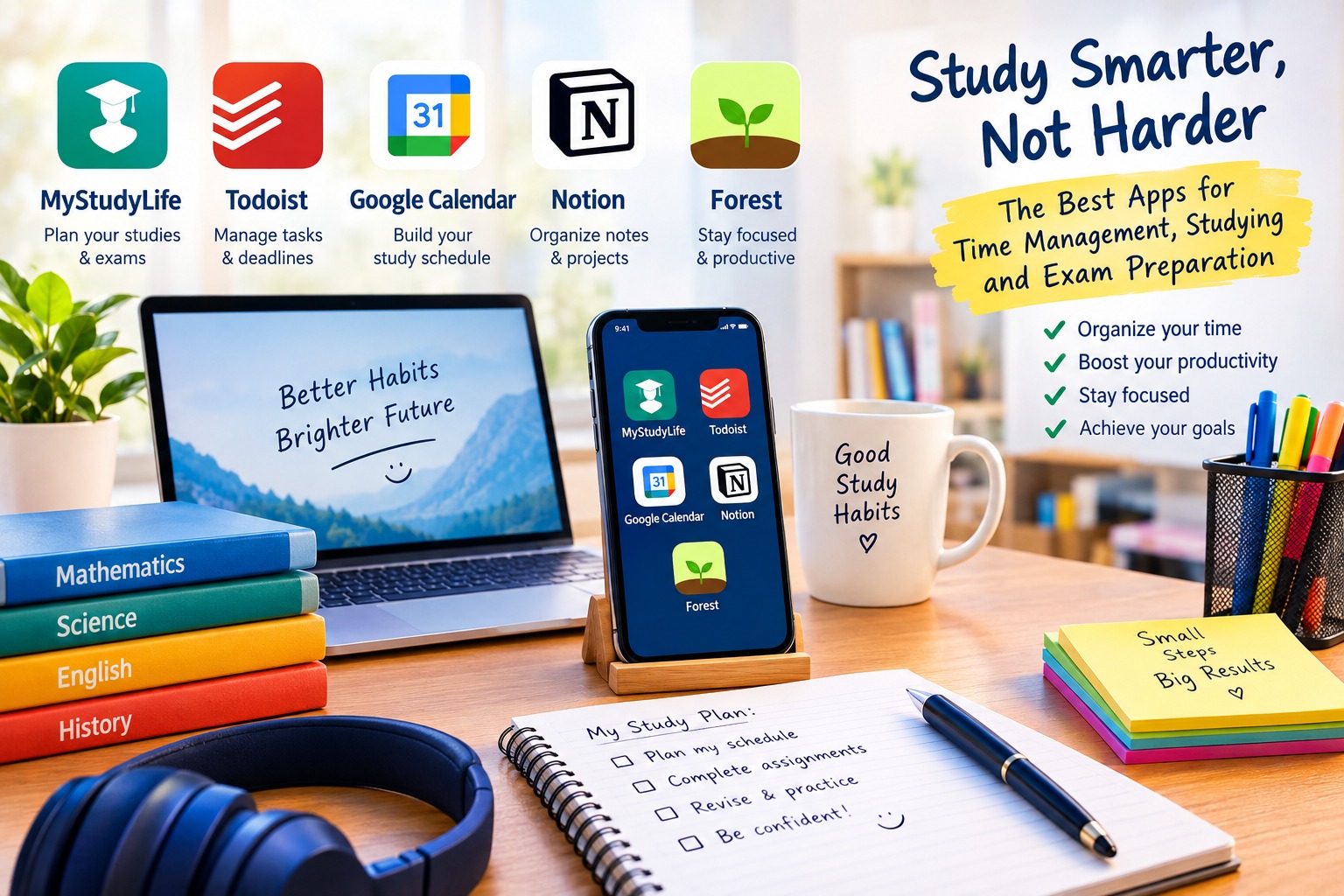
Best Time Management and Study Apps for Students in 2026: Top Tools for Exam Preparation and Productivity
1. MyStudyLife: Best Study Planner for Students
MyStudyLife is a dedicated student planner designed to help students manage their academic responsibilities in one convenient place. Instead of keeping separate lists for homework, exams, and classes, users can organize their academic schedules through a centralized digital platform.
One of the main advantages of MyStudyLife is its focus on student life. The app helps users organize class timetables, assignments, examinations, and revision sessions. This makes it particularly useful for students who need to balance several subjects and deadlines throughout the school year.
The application is available across supported devices, allowing students to access their schedules from compatible mobile devices and web browsers. Its planning tools help users see upcoming responsibilities and maintain a clearer overview of their academic workload.
Another useful feature is its ability to organize recurring academic activities. Students can plan regular study sessions, keep track of important deadlines, and develop a more consistent revision routine before examinations.
Key Features of MyStudyLife:
- Class timetable and academic schedule management.
- Homework and assignment tracking.
- Examination and deadline organization.
- Study session planning.
- Access across supported platforms.
- Tools for managing academic responsibilities.
Main Advantages:
MyStudyLife is particularly suitable for students who want a dedicated academic planner rather than a general productivity application. Its student-focused interface makes it easier to organize schoolwork, monitor upcoming examinations, and maintain a structured study routine.
Best For: High school students, university students, and learners who need an organized academic calendar.
Official Website: https://mystudylife.com/
2. Todoist: Best App for Managing Study Tasks and Deadlines
Todoist is a popular task management application that helps users organize their responsibilities into manageable tasks and projects. Although it is not exclusively designed for students, its flexible organization tools make it useful for homework management, exam preparation, and daily planning.
Students can create separate projects for different subjects, such as mathematics, science, languages, and history. Within each project, they can add individual assignments, revision activities, and important deadlines.
One of Todoist’s most useful features is its task scheduling system. Students can assign due dates to their tasks, organize priorities, and divide large assignments into smaller steps. For example, preparing for a final examination can be divided into reviewing chapters, completing practice questions, and revising difficult topics.
Recurring tasks are also useful for building consistent study habits. Students can schedule regular vocabulary revision, weekly practice tests, or daily reading sessions without having to create each task manually.
Todoist also supports collaboration, which can help students coordinate group assignments and share responsibilities when working on projects with classmates.
Key Features of Todoist:
- Task lists and project organization.
- Due dates and recurring tasks.
- Priority levels for important assignments.
- Subtasks for breaking down large projects.
- Reminders and productivity tools.
- Collaboration features for group work.
- Availability across supported devices.
Main Advantages:
Todoist is an excellent option for students who struggle to remember deadlines or feel overwhelmed by large assignments. By dividing academic work into smaller tasks, it becomes easier to understand what needs to be completed and prioritize responsibilities.
The application offers free and paid plans, although the availability of specific features depends on the subscription.
Best For: Students who need an effective task manager for homework, projects, and examination preparation.
Official Website: https://todoist.com/
3. Google Calendar: Best for Creating a Study Schedule
Google Calendar is a practical time management tool that allows students to organize their days, weeks, and months through a digital calendar. It is especially useful for anyone who wants to create a realistic study timetable and keep track of important academic dates.
Students can create dedicated calendar events for individual subjects, homework sessions, revision periods, and examinations. Different calendar colors can help distinguish between school activities, personal responsibilities, and study time.
For example, a student preparing for several examinations can schedule mathematics revision on Monday, science practice on Tuesday, and language revision on Wednesday. This approach helps distribute academic responsibilities throughout the week rather than leaving everything until the last minute.
Google Calendar also supports recurring events, notifications, and calendar sharing. These features make it easier to establish a regular study routine and receive reminders before important activities.
Another advantage is its integration with other Google services. Students who use Gmail or Google Meet can benefit from connected scheduling features when organizing school-related activities.
Key Features of Google Calendar:
- Daily, weekly, and monthly calendar views.
- Customizable study schedules.
- Event reminders and notifications.
- Recurring study sessions.
- Color-coded calendar events.
- Calendar sharing and collaboration.
- Integration with supported Google services.
Main Advantages:
Google Calendar is a strong choice for students who prefer planning their time visually. Its calendar-based approach makes it easier to identify available study periods, avoid scheduling conflicts, and maintain a balanced routine.
The service is available without a paid subscription for many personal uses, making it an accessible starting point for students who want to improve their time management.
Best For: Students who want a straightforward weekly timetable and a reliable way to organize examinations and assignments.
Official Website: https://calendar.google.com/
4. Notion: Best for Organizing Study Notes and Academic Projects
Notion is a flexible productivity platform that combines notes, databases, task lists, project planning, and customizable pages. It can serve as a personal study dashboard where students organize information from multiple subjects and track their academic progress.
One of its biggest advantages is customization. Students can create separate pages for each subject, build assignment trackers, organize revision notes, and maintain lists of topics that need additional practice.
For examination preparation, Notion can be used to create a revision dashboard containing examination dates, study goals, topic summaries, and progress indicators. Students can also create databases to organize assignments according to their deadlines, subjects, or completion status.
The platform is useful for collecting information from different sources and keeping related study materials together. For example, a student can create a mathematics page containing lesson summaries, links to learning resources, practice questions, and a list of difficult concepts.
Notion also offers templates that can reduce the time required to build a study organization system from scratch. Depending on the available plan and features, users may also have access to AI-powered tools that support certain writing, summarization, and information-processing tasks.
Key Features of Notion:
- Customizable study dashboards.
- Digital notes and subject organization.
- Task and project management.
- Databases for tracking assignments.
- Examination preparation templates.
- Collaboration and shared workspaces.
- AI-powered features on eligible plans.
Main Advantages:
Notion is ideal for students who want to combine note-taking, planning, and academic organization in one platform. Its flexibility makes it suitable for different subjects and learning styles.
However, its many customization options can take time to learn. Students who prefer a simple planner may find a dedicated student scheduling app easier to use.
Best For: University students, independent learners, and students who need a flexible system for organizing notes and revision materials.
Official Website: https://www.notion.com/
5. Forest: Best App for Improving Concentration During Study Sessions
Forest is a focus application designed to encourage users to spend dedicated periods working without unnecessary phone distractions. Its distinctive approach uses a virtual tree-growing system to make concentration sessions more engaging.
When users begin a focus session, they start growing a virtual tree. Staying focused allows the tree to grow, while leaving the session may interrupt the process, depending on the selected settings and app version.
This simple concept encourages students to put their phones aside and concentrate on a single academic task. It can be particularly helpful when studying difficult subjects, reading long chapters, or completing assignments that require sustained attention.
Forest can also complement time management methods that divide work into focused intervals followed by short breaks. For example, a student might study for 25 minutes, take a five-minute break, and then begin another session.
The app can help students become more aware of how they spend their time and establish a consistent study routine. However, it is primarily a concentration tool rather than a complete academic planner.
Key Features of Forest:
- Focus sessions with a virtual tree-growing mechanic.
- Tools designed to reduce phone distractions.
- Customizable session durations.
- Visual motivation for maintaining concentration.
- Focus statistics and progress tracking, depending on the version.
- Support for structured study sessions.
Main Advantages:
Forest makes focused study periods more engaging through visual feedback and simple goals. It is especially useful for students who frequently check their phones while studying or find it difficult to begin a task.
It works best when combined with a study planner such as MyStudyLife or Google Calendar. The planner determines what needs to be studied, while Forest helps create a focused environment for completing the work.
Best For: Students who want to reduce distractions and develop more consistent concentration habits.
Official Website: https://www.forestapp.cc/
Comparison of the Best Study Apps in 2026
Choosing the right study app depends on your priorities, preferred devices, and existing study habits. Although these five applications support productivity, each serves a different purpose.
MyStudyLife is the strongest option for students who need an academic planner with class schedules, assignments, and examination dates. Todoist is better suited to organizing individual tasks, managing deadlines, and breaking large projects into smaller steps.
Google Calendar is particularly effective for creating a weekly study timetable and scheduling revision sessions. Notion provides more flexibility for students who want to combine notes, projects, and academic tracking. Forest focuses on concentration and helps users establish dedicated periods for studying without unnecessary distractions.
Students do not necessarily need to use all five applications. In many cases, choosing one planning tool and one concentration or note-taking tool is enough to build a manageable system.
For example, a student could use Google Calendar to schedule revision sessions, Notion to organize notes, and Forest to maintain concentration during study periods. Another student might prefer MyStudyLife for academic planning and Todoist for managing individual assignments.
The most effective combination is the one that remains simple enough to use consistently.
How to Choose the Best Study App for Exam Preparation
Before selecting a study application, consider the specific challenges you face during the school year.
If you frequently forget homework deadlines or examination dates, choose an app with reliable scheduling and reminder features. MyStudyLife and Google Calendar are useful starting points for organizing these responsibilities.
If your main difficulty is deciding what to do first, Todoist can help you prioritize tasks and divide large assignments into smaller, more manageable activities.
If you need a central location for lesson summaries, revision notes, and project information, Notion offers a flexible organization system. Students who are easily distracted by their phones may benefit from a dedicated focus tool such as Forest.
It is also important to consider compatibility with your devices. Check whether an application supports your smartphone, tablet, or computer before building your entire study routine around it.
Finally, review the free plan before paying for a subscription. Many students can manage their schedules and assignments using free features, while premium plans may be worthwhile for those who need additional capabilities.
Best Study Accessories Available on Amazon Germany and the European Union
Although study applications can improve digital organization, a few simple physical accessories can also make a study space more practical. A paper planner, notebook, or set of flashcards can complement digital tools and provide alternative ways to organize revision materials.
The following Amazon Germany search links can help students explore relevant products. Availability, prices, delivery options, and individual product specifications may vary across Germany and other European Union countries.
1. Student Planners and Academic Calendars
A paper study planner can be useful for students who prefer writing down deadlines, weekly goals, and examination dates. It can also serve as a backup for a digital calendar.
Amazon Germany: https://www.amazon.de/s?k=student+study+planner
2. Notebooks for Study Notes
Notebooks provide space for handwritten summaries, worked examples, diagrams, and revision notes. They can be especially useful for subjects that involve calculations or visual explanations.
Amazon Germany: https://www.amazon.de/s?k=school+notebooks+study
3. Flashcards for Exam Revision
Flashcards help students practise recalling information instead of simply rereading their notes. They are suitable for vocabulary, scientific terminology, historical dates, definitions, and short questions.
Amazon Germany: https://www.amazon.de/s?k=study+flashcards
4. Study Timers
A simple study timer can help students organize focused work sessions and regular breaks. It can be used alongside Forest or another productivity application.
Amazon Germany: https://www.amazon.de/s?k=study+timer
5. Desk Organizers for Study Spaces
Desk organizers help keep stationery, notebooks, and other learning materials accessible. A tidy workspace can make it easier to find the materials needed for a particular assignment.
Amazon Germany: https://www.amazon.de/s?k=desk+organizer+for+students
These links lead to product search results rather than individual product listings. Before purchasing, compare the available options, read recent customer reviews, and check delivery availability for your location.
Practical Tips for Using Study Apps Effectively
Installing a study app is only the first step. The real benefits come from using it consistently and choosing a system that fits your academic responsibilities.
Start by entering your examination dates, assignment deadlines, and regular classes into your chosen planner. This creates a clear overview of upcoming responsibilities and helps you identify which subjects need attention first.
Next, divide large assignments into smaller tasks. Instead of writing “study chemistry,” create specific activities such as reviewing a chapter, summarizing key concepts, and answering practice questions. Clear tasks make it easier to begin working and measure progress.
Create a realistic weekly schedule that includes study periods, breaks, sleep, and personal activities. Avoid filling every available hour with academic work. A sustainable routine is generally more useful than an overly ambitious schedule that becomes difficult to maintain.
During each study session, focus on one main task whenever possible. Put unnecessary notifications aside, prepare the materials you need, and use a timer if it helps you concentrate.
It is also important to review your progress regularly. At the end of each week, identify completed assignments, unfinished tasks, and topics that require additional revision. Use this information to adjust the following week’s schedule.
Finally, practise retrieving information from memory. Answering questions, solving problems, and using flashcards can help you identify gaps in your understanding more effectively than relying exclusively on rereading notes.
Conclusion
The best time management and study apps in 2026 can help students organize their academic responsibilities, improve concentration, and prepare for examinations with greater confidence.
MyStudyLife is an excellent choice for academic scheduling, Todoist is useful for task management, Google Calendar helps students build structured timetables, Notion offers flexible tools for organizing notes, and Forest encourages focused study sessions.
The right application depends on your individual needs and learning habits. Students who need a simple academic planner may prefer MyStudyLife, while those who want to organize detailed notes and projects may find Notion more suitable. Google Calendar is a practical option for weekly scheduling, and Forest can complement almost any study routine.
Ultimately, successful exam preparation depends on more than downloading an application. Setting realistic goals, studying consistently, reviewing information actively, and allowing enough time for rest are essential parts of an effective learning routine. By choosing the right digital tools and using them regularly, students can build better study habits, manage their time more effectively, and approach examinations in a more organized way.


