
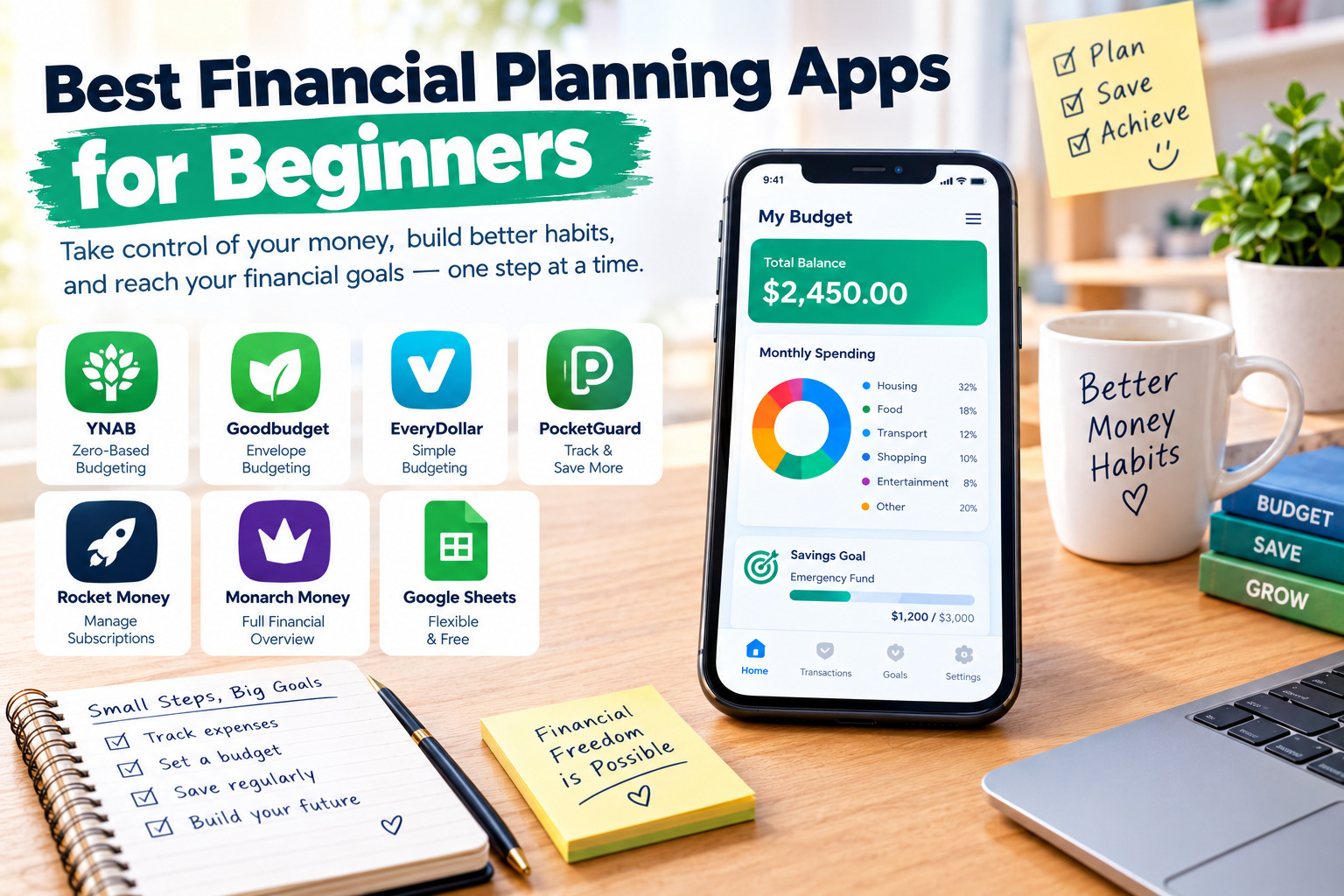
Best Financial Planning Apps for Beginners
Managing money can feel difficult when you are just starting your financial journey. Between monthly bills, everyday expenses, savings goals, and unexpected costs, it is easy to lose track of where your money goes. Fortunately, financial planning apps make it easier to organize your income, control spending, and build better money habits without needing advanced financial knowledge.
The best financial planning apps for beginners offer simple budgeting tools, expense tracking, savings goals, and clear financial reports. Some are free, while others provide advanced features through paid subscriptions. Choosing the right app depends on your financial goals, preferred budgeting method, and how much time you want to spend managing your money.
1. YNAB: Best for Learning How to Budget
YNAB, short for You Need A Budget, is a financial planning app designed to help users make intentional decisions about their money. Its main approach is zero-based budgeting, which means assigning every dollar of available income to a specific purpose, such as rent, groceries, debt payments, savings, or entertainment.
For beginners, this method can be useful because it encourages planning before spending. Instead of simply reviewing past transactions, users create a spending plan and adjust it as their circumstances change. YNAB also provides savings targets, debt management features, transaction tracking, and tools for sharing a budget with household members.
Advantages: YNAB provides structured budgeting guidance, useful financial goals, detailed spending plans, and tools that can help users develop consistent money-management habits. It is particularly helpful for people who want to become more disciplined with their finances.
Disadvantages: The app has a learning curve, and its subscription may not suit someone looking for a completely free solution. Beginners who prefer automatic tracking with minimal involvement may also find its hands-on budgeting approach demanding.
YNAB is a strong option for people who want to understand their financial decisions and actively plan how to use their income. It offers a free trial, but users should check the current subscription terms before signing up.
Official website: https://www.ynab.com/
2. Goodbudget: Best for Simple Envelope Budgeting
Goodbudget uses the envelope budgeting method to help users divide their income into categories before spending it. For example, you can create separate digital envelopes for groceries, transportation, rent, bills, entertainment, and emergency savings. Each category has an allocated amount, making it easier to see how much money remains available.
This approach is particularly suitable for beginners who want a straightforward budgeting system without relying entirely on automatic bank connections. Users can enter their income and expenses manually and review their progress through the app or website. Household members can also use shared budgeting features to coordinate spending.
Advantages: Goodbudget offers an accessible way to plan spending, encourages users to set limits for different categories, and provides a free version with basic budgeting features. Manual entry can also help beginners become more aware of their spending habits.
Disadvantages: Entering transactions manually takes time and requires consistency. The free version has limitations, and users looking for extensive automation, advanced investment tracking, or sophisticated financial analysis may need a different tool.
Goodbudget is a practical starting point for students, families, and individuals who want to organize their money into clear spending categories. Its envelope method can also help people reduce unnecessary purchases and prioritize essential expenses.
Official website: https://goodbudget.com/
3. EveryDollar: Best for Beginners Who Want a Clear Spending Plan
EveryDollar is a budgeting app built around zero-based budgeting. It allows users to plan how their income will be allocated across monthly expenses, savings, debt payments, and personal spending. Its structured approach makes it easier to create a budget at the beginning of each month and compare the plan with actual spending.
The app is designed for people who prefer a clear, organized system instead of a complicated financial dashboard. Depending on the available plan, users may access additional features such as bank transaction syncing, personalized reports, and financial guidance. The basic budgeting experience can be useful for learning how to record income and expenses consistently.
Advantages: EveryDollar offers a straightforward budgeting structure, clear expense categories, and a method that encourages users to give every dollar a purpose. It can help beginners identify spending problems and make more deliberate financial decisions.
Disadvantages: The free version requires manual entry, which can become time-consuming for people with many transactions. Some convenience features are available only with a paid plan, and the app may feel restrictive to users who prefer a more flexible budgeting system.
EveryDollar is worth considering if you want a simple monthly plan that helps you prioritize bills, savings, and other financial responsibilities. Before choosing a subscription, compare the features included in the free and paid versions.
Official website: https://www.ramseysolutions.com/ramseyplus/everydollar
4. PocketGuard: Best for Understanding How Much You Can Spend
PocketGuard is designed to make everyday spending easier to understand. Its budgeting tools help users review income, bills, recurring expenses, and savings priorities to estimate how much money is available for flexible spending. This can be useful for beginners who often reach the end of the month wondering where their money went.
Depending on the plan and region, PocketGuard can offer expense categorization, spending limits, subscription tracking, financial goals, and debt payoff planning. These features help users identify recurring costs and make adjustments before their spending becomes difficult to manage.
Advantages: PocketGuard focuses on practical spending awareness and provides a clear overview of available money. Its tools can help beginners monitor expenses, recognize recurring payments, and establish better spending limits.
Disadvantages: Some advanced tools require a paid subscription. Bank connectivity is not available equally in every country, and automated categorization may occasionally require manual corrections. Users should also review which features are included in their chosen plan.
PocketGuard is a useful option for people who want help answering a practical budgeting question: how much can I safely spend after accounting for essential expenses and financial goals? Its official website provides current information about supported platforms and subscription options.
Official website: https://pocketguard.com/
5. Rocket Money: Best for Tracking Recurring Expenses
Rocket Money combines budgeting and expense tracking with tools designed to help users monitor recurring bills and subscriptions. It can help identify regular payments that might otherwise be forgotten, such as streaming services, memberships, and other monthly charges. Reviewing these expenses can reveal opportunities to reduce unnecessary spending.
Depending on the available plan and location, the app may provide spending summaries, budget categories, bill reminders, subscription management, and additional financial insights. These features are particularly useful for beginners who want a clearer picture of their monthly financial commitments.
Advantages: Rocket Money makes it easier to review recurring expenses, monitor spending patterns, and identify subscriptions that may no longer be worth paying for. Its basic offering can be a starting point for people who want to organize their finances without immediately adopting a complex budgeting method.
Disadvantages: Some features are restricted to paid plans, and the app’s strongest account-connected services are not available everywhere. Users should check regional eligibility, subscription terms, and any charges associated with optional services before connecting their financial accounts.
Rocket Money is worth considering if recurring payments are one of your biggest budgeting challenges. Regularly reviewing subscriptions and bills can help free up money for debt repayment, emergency savings, or other financial priorities.
Official website: https://www.rocketmoney.com/
6. Monarch Money: Best for Managing Household Finances
Monarch Money offers a broader view of personal finances by bringing together supported financial accounts, spending plans, savings goals, bills, and net worth tracking. Its budgeting options allow users to organize expenses into categories or use a more flexible approach based on fixed, irregular, and discretionary spending.
The app can be useful for people who want to understand not only their monthly spending but also their overall financial position. Shared household features help partners coordinate financial plans, while reports and dashboards provide a more detailed picture of income, expenses, savings, and investments.
Advantages: Monarch offers flexible budgeting, customizable financial views, household collaboration, savings goals, and broader financial tracking. It may be especially useful for couples and families who want to manage their money together.
Disadvantages: It is primarily a paid service, so it may not be the best first choice for someone who needs a free budgeting tool. Its many options can also feel overwhelming to beginners who only want to track basic income and expenses.
Monarch Money is best suited to beginners who are ready to organize several aspects of their finances in one place and are comfortable paying for a more comprehensive service. Its supported accounts and features should be checked before subscribing.
Official website: https://www.monarch.com/
7. Google Sheets: Best Free Financial Planning Tool
Google Sheets is not a dedicated financial planning app, but it is a flexible tool for beginners who want to create a personal budget without paying for a specialized service. A simple spreadsheet can track monthly income, rent, food, transportation, bills, debt payments, savings, and other expenses.
Users can build their own budget template, calculate totals automatically, compare planned spending with actual expenses, and create charts to understand spending patterns. A spreadsheet also makes it easy to customize a financial plan for different currencies, income levels, and household needs.
Advantages: Google Sheets is highly customizable and can be used for basic budgeting without a paid budgeting-app subscription. It is useful for learning financial planning because users can see how income, expenses, and savings relate to one another. Spreadsheets can also be accessed across supported devices.
Disadvantages: Most transactions must be entered or imported manually unless additional tools are configured. Users need to create or select a suitable template, maintain accurate records, and protect sensitive financial information. It does not automatically provide all the convenience features of a dedicated budgeting app.
Google Sheets is an excellent starting point for students, freelancers, and people with limited budgets who want control over their financial records. You can begin with three columns—planned amount, actual amount, and difference—and expand the spreadsheet as your financial needs become more complex.
Official website: https://sheets.google.com/
How to Choose the Best Financial Planning App as a Beginner
Choosing the right app starts with identifying your biggest financial challenge. If you need to plan every dollar before spending it, YNAB or EveryDollar may suit your approach. If you prefer dividing money into spending categories, Goodbudget provides a simple envelope-based method. PocketGuard may help you understand your available spending money, while Rocket Money can help you review recurring expenses. Monarch Money offers broader household financial planning, and Google Sheets gives you a flexible, low-cost alternative.
It is also important to compare pricing, supported devices, privacy practices, and account connectivity. Some apps provide automatic bank syncing only in selected countries, while others allow manual entry. If you live in a country where your bank is not supported, a manual budgeting app or spreadsheet may be more practical than choosing a service whose main features depend on bank connections.
How to Start Using a Financial Planning App
Begin by recording your monthly income and essential expenses. Include housing, food, transportation, utilities, debt payments, and other necessary costs. Then identify flexible expenses, such as dining out, entertainment, and nonessential shopping. This gives you a realistic starting point instead of relying on guesses.
Next, create spending limits for your main categories and set a manageable savings goal. Your first goal might be to save a small amount each month, build an emergency fund, or reduce a specific debt. Review your transactions regularly and compare actual spending with your plan. If a category consistently exceeds its limit, adjust the budget or identify expenses that can be reduced.
Finally, choose a routine you can maintain. A five-minute daily review or a longer weekly check-in is often more useful than creating a complicated budget and abandoning it after a few days. Financial planning apps are most effective when they support consistent habits rather than replace personal responsibility.
Common Mistakes to Avoid When Using Budgeting Apps
One common mistake is choosing an app with too many features before understanding basic budgeting. A complicated dashboard can make financial planning feel more difficult than it needs to be. Start with income, essential expenses, savings, and debt payments, then add advanced features only when they become useful.
Another mistake is assuming that automatic tracking is always accurate. Transactions may be categorized incorrectly, duplicate entries may occur, and some accounts may not sync reliably. Review your records regularly and correct errors so your budget reflects your actual financial situation.
It is also important not to ignore app pricing or privacy settings. Read subscription terms before starting a trial, check whether a paid plan renews automatically, and understand what information is shared when connecting accounts. Never provide banking credentials through an unverified website or link.
Final Thoughts
The best financial planning app for beginners is the one that makes it easier to understand and manage money consistently. YNAB and EveryDollar provide structured budgeting methods, Goodbudget makes category-based planning straightforward, PocketGuard helps users understand available spending money, Rocket Money focuses on recurring expenses, and Monarch Money offers a broader view of household finances. Google Sheets remains a flexible option for anyone who prefers a customizable budget without a dedicated subscription.
You do not need to use every feature or pay for an expensive service to improve your financial habits. Start with one tool, record your income and expenses accurately, set realistic goals, and review your progress regularly. With a simple system and consistent effort, financial planning


