
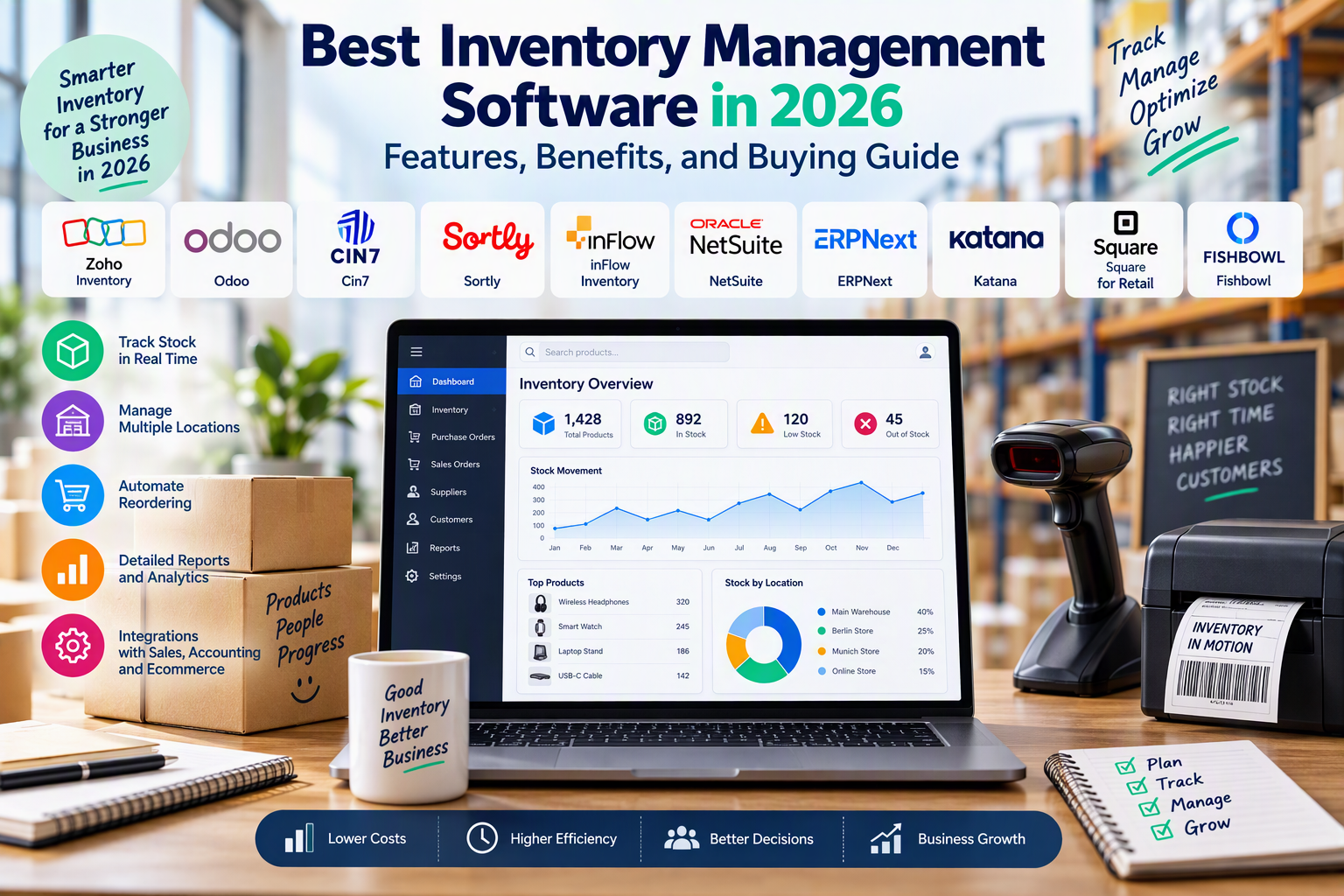
Best Inventory Management Software in 2026: Features, Benefits, and Buying Guide
Why Inventory Management Software Is Essential in 2026
Inventory management software has become an important tool for businesses that need to track products, organize warehouses, manage suppliers, and maintain accurate stock records. Whether you operate a small retail shop, an online store, a wholesale business, or a manufacturing company, effective inventory control can help reduce unnecessary costs and improve daily operations.
Managing inventory manually with spreadsheets or paper records can become difficult as a business grows. Stock quantities may become inaccurate, popular products may run out unexpectedly, and excess inventory can tie up money that could be used elsewhere in the business.
The best inventory management software helps companies monitor stock levels, record incoming and outgoing products, manage purchase orders, and analyze inventory performance. Many modern systems also integrate with ecommerce platforms, accounting applications, barcode scanners, and shipping services.
In 2026, businesses can choose from a wide range of inventory management programs, including cloud-based applications, open-source platforms, specialized warehouse systems, and enterprise resource planning solutions.
This guide explores some of the best inventory management software options, their main features, benefits, and practical uses. It also explains how to choose the right system and which equipment can improve inventory tracking.
1. Zoho Inventory: A Practical Solution for Small Businesses
Zoho Inventory is an inventory management platform designed to help businesses organize stock, process orders, and coordinate purchasing activities. It can be particularly useful for small and medium-sized businesses that sell products through online stores or multiple sales channels.
The software provides a centralized environment for monitoring inventory and managing important operational tasks.
Main Features and Benefits
Zoho Inventory offers stock tracking, product management, purchase order processing, sales order management, and warehouse-related functions. Depending on the subscription plan and configuration, businesses can also use serial number tracking, batch tracking, reporting, and integrations with ecommerce platforms and accounting applications.
One of its main advantages is the ability to connect inventory information with order processing. This can reduce the need to update stock records manually whenever a product is sold or received.
Businesses can also use reporting features to review product movement and identify items that may require replenishment.
Integration with other business applications can help create a more connected workflow between inventory, sales, and accounting.
However, available features and transaction limits vary by plan. Businesses should compare subscription options and confirm that the software supports their required marketplaces, warehouses, and order volumes.
Best for: Small businesses, online retailers, and companies looking for an organized inventory management system.
Official website: https://www.zoho.com/inventory/
2. Odoo Inventory: Flexible Stock Management and Business Integration
Odoo Inventory is part of the Odoo business software ecosystem. It is designed to help companies manage stock movements while connecting inventory operations with other business functions.
This makes it an option for businesses that want to coordinate warehouse activities with purchasing, sales, invoicing, manufacturing, and other processes.
Main Features and Benefits
Odoo Inventory supports product tracking, warehouse management, stock transfers, replenishment rules, and inventory adjustments. Depending on the installed applications and configuration, businesses can also manage barcode workflows, product routes, and more advanced warehouse operations.
One important advantage is its modular structure. Businesses can begin with selected applications and add other functions as their requirements develop.
For example, a retailer may start with inventory and sales management before integrating accounting or purchasing workflows.
Odoo can also be customized to accommodate particular business processes, although advanced configuration may require technical expertise or professional assistance.
The overall cost depends on the selected edition, hosting arrangement, applications, implementation work, and support requirements.
Best for: Businesses that want inventory management integrated with a wider business management system.
Official website: https://www.odoo.com/
3. Cin7: Inventory Management for Multichannel Retailers
Cin7 provides inventory management and related operational tools for businesses that sell through multiple channels. It can be useful for retailers and wholesalers that need better coordination between sales, purchasing, stock control, and order fulfillment.
Businesses operating across online stores, physical retail locations, and wholesale channels often need a centralized system to maintain consistent inventory records.
Main Features and Benefits
Depending on the selected product and configuration, Cin7 offers inventory tracking, order management, purchasing workflows, warehouse functions, and integrations with ecommerce platforms and accounting systems.
Its multichannel capabilities can help businesses coordinate stock information across supported sales channels.
This is particularly valuable when a product is sold simultaneously through a website, marketplace, and physical store. Synchronizing stock can help reduce the risk of accepting orders for unavailable products.
Businesses may also benefit from reporting tools that provide visibility into stock movement and purchasing requirements.
Cin7 is generally more suitable for companies with established operational needs than for businesses requiring only a basic stock spreadsheet replacement. Pricing, implementation requirements, and available features should be reviewed carefully before choosing a plan.
Best for: Growing ecommerce businesses, multichannel retailers, and wholesalers with more complex inventory requirements.
Official website: https://www.cin7.com/
4. Sortly: Visual Inventory Tracking for Small Teams
Sortly is an inventory tracking platform that emphasizes visual organization and straightforward stock management. It can be useful for businesses that need to track products, equipment, supplies, tools, or other physical items.
Its approach is particularly convenient for teams that prefer visual records instead of relying exclusively on traditional spreadsheet tables.
Main Features and Benefits
Sortly provides inventory records, item photographs, categories, location information, and stock tracking features. Depending on the plan, users may also access barcode or QR code workflows, alerts, reports, and additional collaboration features.
Adding photographs to inventory records can make it easier to distinguish similar items and identify the correct product.
Location tracking can also help businesses determine where equipment or supplies are stored.
Another advantage is accessibility. Teams can use supported devices to review inventory information without relying entirely on a desktop computer.
However, businesses requiring advanced purchasing workflows, complex manufacturing processes, or extensive ecommerce synchronization should verify whether Sortly meets their requirements before subscribing.
Best for: Small businesses, equipment tracking, offices, workshops, and teams managing physical supplies.
Official website: https://www.sortly.com/
5. inFlow Inventory: Stock Control for Wholesale and Product Businesses
inFlow Inventory is designed to help businesses manage products, purchasing, sales, and stock movements. It can be particularly relevant to wholesalers, distributors, and companies that need more structured inventory workflows.
Businesses that regularly receive shipments, prepare customer orders, and track products across storage locations may benefit from a dedicated inventory platform.
Main Features and Benefits
Depending on the plan and configuration, inFlow Inventory offers inventory tracking, purchase orders, sales orders, barcode workflows, and reporting features.
These tools can help employees identify products, record incoming shipments, and process outgoing orders more consistently.
The system can also support workflows for businesses that sell to other companies and need to coordinate inventory with customer orders.
By centralizing stock information, businesses can reduce repeated data entry and improve visibility into available products.
Before selecting the software, companies should check supported integrations, user limits, warehouse requirements, barcode compatibility, and subscription costs.
Best for: Wholesalers, distributors, small warehouses, and businesses with regular purchasing and fulfillment operations.
Official website: https://www.inflowinventory.com/
6. Oracle NetSuite: Inventory Management for Larger Businesses
Oracle NetSuite provides enterprise resource planning software that connects inventory management with financial management, purchasing, order processing, and other business functions.
It is designed for organizations that need a more comprehensive system to manage multiple operational activities.
Main Features and Benefits
NetSuite inventory capabilities can support stock visibility, inventory tracking across locations, replenishment planning, order management, and integration with broader business processes. Available functions depend on the selected modules and configuration.
A centralized system can help larger organizations coordinate purchasing, warehouse operations, and financial reporting.
Businesses operating across multiple locations or legal entities may also benefit from connecting inventory data with accounting and other operational records.
However, implementation can be complex, and total costs may include subscriptions, implementation services, customization, training, and ongoing support.
For a small business with straightforward stock requirements, an enterprise system may be more complex and expensive than necessary.
Best for: Medium-sized and large organizations with complex inventory and enterprise management requirements.
Official website: https://www.netsuite.com/
7. ERPNext: Open-Source Inventory and Business Management
ERPNext is an open-source enterprise resource planning system that includes inventory management alongside accounting, purchasing, sales, manufacturing, and other business functions.
It can be attractive to businesses seeking an integrated system with the ability to inspect and customize its software under the applicable open-source licence.
Main Features and Benefits
ERPNext supports item records, stock entries, warehouses, stock transfers, purchase transactions, and inventory reporting.
Businesses can also connect inventory workflows with purchasing, sales, and manufacturing processes, depending on their configuration.
Its integrated approach can help reduce the need to maintain separate records in unrelated applications.
Another potential advantage is deployment flexibility. Businesses may choose an appropriate hosting arrangement or work with a service provider, depending on their technical capabilities and support requirements.
However, open-source software is not automatically free to operate. Hosting, implementation, training, maintenance, security, and customization may create additional costs.
Businesses should also review the applicable software licence and third-party component licences before modifying or redistributing software.
Best for: Businesses seeking customizable business management software and organizations with access to appropriate technical support.
Official website: https://erpnext.com/
8. Katana: Inventory and Production Management for Manufacturers
Katana provides inventory and production management tools designed for businesses that manufacture or assemble products.
Manufacturing companies often need to track not only finished products but also raw materials, components, and work in progress. A general inventory system may not provide all the production planning capabilities they require.
Main Features and Benefits
Depending on the selected plan, Katana can help businesses manage stock levels, material availability, purchase orders, production workflows, and finished goods.
Production-related features can help teams understand whether they have the required materials before beginning an order.
Connecting purchasing and inventory data with production planning can also make it easier to identify shortages and organize replenishment.
For example, a company producing furniture may need to track wood, fasteners, packaging materials, and completed items. A suitable manufacturing inventory system can help coordinate these resources.
Businesses should evaluate integration options, production planning features, supported workflows, and subscription costs before choosing the platform.
Best for: Small and medium-sized manufacturers, product makers, and businesses that assemble goods.
Official website: https://katanamrp.com/
9. Square for Retail: Inventory Management for Physical Stores
Square for Retail combines retail sales tools with inventory-related functionality. It can be suitable for businesses that sell products in physical shops and want to connect sales transactions with stock records.
For retailers operating a point-of-sale system, linking inventory with checkout activity can reduce the need for manual stock adjustments.
Main Features and Benefits
Depending on the region and subscription plan, Square for Retail can provide product management, point-of-sale functionality, inventory tracking, and sales reporting.
These tools can help retailers monitor product availability and review sales performance.
Connecting checkout transactions with stock records can also help employees identify products that need replenishment.
Businesses should verify the availability of Square services in their country, supported payment methods, hardware compatibility, and regional plan limitations before adopting the platform.
Best for: Physical retail stores and small retailers that want inventory tracking connected to point-of-sale operations.
Official website: https://squareup.com/
10. Fishbowl: Inventory and Warehouse Management
Fishbowl provides inventory and warehouse management solutions for businesses that require structured control over stock movements, purchasing, and fulfillment.
It can be useful for companies managing larger product catalogs or coordinating inventory across multiple operational locations.
Main Features and Benefits
Depending on the product and configuration, Fishbowl offers inventory tracking, warehouse workflows, barcode-related functions, purchasing, and integrations with other business applications.
Warehouse teams can use suitable inventory workflows to record incoming products, organize storage locations, and prepare outgoing orders.
Integration with accounting and ecommerce systems can help reduce duplicated records and improve information sharing between departments.
However, the appropriate Fishbowl product and integration setup will depend on the business’s location, software environment, and operational complexity.
Companies should confirm regional availability, implementation requirements, supported integrations, and total costs before making a decision.
Best for: Businesses that need more advanced warehouse and inventory workflows.
Official website: https://www.fishbowlinventory.com/
11. Essential Hardware for Inventory Management
Inventory software becomes more useful when combined with suitable hardware. Devices such as barcode scanners, label printers, and digital scales can help employees identify products, organize storage locations, and prepare shipments.
The right equipment depends on the size of the business, the number of products, and the type of inventory being managed.
Barcode Scanners
Barcode scanners allow employees to identify products by scanning their barcodes instead of entering product codes manually.
They can be useful when receiving deliveries, counting inventory, picking orders, and updating stock records.
Important features include barcode compatibility, scanning speed, connection options, durability, and compatibility with the inventory software.
USB models can suit small stockrooms, while wireless models can provide greater mobility in larger warehouses.
Buying options:
Barcode and Inventory Label Printers
Label printers help businesses create product labels, barcode stickers, and storage location labels.
Clear, readable labels can make stock identification easier and reduce confusion between similar products.
Before purchasing a label printer, check label dimensions, printing technology, resolution, connectivity, and compatibility with the inventory software.
Direct thermal printers generally do not require ink or toner, while thermal transfer printers use a ribbon and can be suitable for certain long-lasting labels.
Buying options:
- Amazon Germany: Barcode Label Printers
- Amazon France: Barcode Label Printers
- Amazon Spain: Barcode Label Printers
Digital Counting and Shipping Scales
Digital scales can help businesses measure product or package weight when preparing shipments, receiving goods, or maintaining records for products sold by weight.
Important features include measurement accuracy, maximum capacity, display readability, and suitable measurement units.
Businesses should choose a scale appropriate for the intended application and verify that its specifications meet their operational needs.
Buying options:
- Amazon Germany: Digital Shipping Scales
- Amazon France: Digital Shipping Scales
- Amazon Italy: Digital Shipping Scales
These Amazon links lead to product search results rather than guaranteed listings for particular products. Availability, prices, shipping destinations, and product specifications can change. Check the seller and compatibility details before purchasing.
12. Key Features to Look for in Inventory Management Software
Choosing inventory management software requires more than comparing product names. Businesses should identify the functions they need and evaluate how well each system supports their daily operations.
Real-Time Stock Tracking
Accurate stock tracking is one of the most important features of an inventory management system.
When inventory records update promptly after sales, purchases, returns, and transfers, businesses can make better decisions about product availability.
The meaning of real-time tracking can vary between systems, so businesses should verify synchronization frequency and whether updates apply across all connected sales channels.
Multi-Warehouse Management
Companies with more than one storage location need to understand how much inventory is available at each site.
Multi-warehouse functionality can help employees record transfers, organize stock, and identify the most appropriate location for fulfilling orders.
Before selecting a system, confirm the number of supported warehouses and whether advanced location management requires a higher subscription plan.
Automated Reordering
Reordering tools help businesses identify when stock levels fall below a defined threshold.
Some systems allow users to configure minimum stock quantities, preferred suppliers, and replenishment rules.
More advanced platforms may offer demand forecasting, although forecasts depend on the quality of historical data and the software’s capabilities.
Automation can reduce the likelihood of running out of popular products, but purchase quantities should still be reviewed against demand, supplier lead times, and available cash.
Barcode and QR Code Support
Barcode and QR code functions can make inventory processes more efficient by reducing manual data entry.
Depending on the system, businesses may scan existing product labels or create new codes for products, bins, and warehouse locations.
Compatibility should be verified before purchasing scanners or label printers.
Reporting and Analytics
Inventory reports help businesses understand how products move through the organization.
Useful reports may include current stock quantities, stock valuation, inventory movement, low-stock products, and slow-moving items.
These insights can help companies improve purchasing decisions and identify inventory that is occupying storage space without generating sufficient sales.
Ecommerce and Accounting Integrations
Businesses that sell through multiple channels may need inventory software that integrates with online stores, marketplaces, accounting applications, and shipping providers.
Reliable integrations can help synchronize stock levels and reduce duplicated administrative work.
However, integration availability may depend on the selected plan, geographic market, third-party applications, or API configuration.
13. Benefits of Using Inventory Management Software
Inventory management software can improve business operations by making stock information easier to access and maintain.
One major benefit is reduced manual work. Instead of updating several spreadsheets, employees can use a centralized system to record stock movements and review current quantities.
Another benefit is improved inventory accuracy. Recording sales, deliveries, returns, and transfers in a consistent system can help reduce discrepancies between recorded and actual stock.
Better visibility can also support purchasing decisions. Businesses can identify products that sell quickly, determine which items need replenishment, and reduce the risk of ordering unnecessary quantities.
For ecommerce retailers, inventory synchronization can help prevent orders from being accepted for products that are no longer available. The effectiveness of this feature depends on the quality and speed of integrations.
Inventory management systems can also improve warehouse organization. Product locations, barcode workflows, and stock movement records can help employees find items and process orders more efficiently.
Finally, inventory reports can support better planning by showing which products are moving quickly, which are accumulating, and where operational improvements may be possible.
The actual benefits depend on the accuracy of the underlying data, employee training, software configuration, and the suitability of the chosen system.
14. How to Choose the Best Inventory Management Program
The best inventory management program is one that matches the business’s size, sales channels, budget, and operational needs.
Identify Your Business Requirements
Start by reviewing how inventory is currently managed and identifying the most common problems.
A small store may need basic stock tracking and low-stock alerts. A growing online retailer may require ecommerce integrations and multi-warehouse support. A manufacturer may need component tracking and production planning.
Writing down these requirements makes it easier to compare suitable solutions.
Evaluate Ease of Use
Employees need to understand how to record stock movements, process orders, and locate products.
A system with a clear interface and appropriate training resources can be easier to adopt than a complicated platform with features the business rarely uses.
Whenever possible, test a free trial or demonstration before committing to a subscription.
Compare the Total Cost
Software expenses can include subscription fees, implementation, integrations, employee training, hardware, hosting, and ongoing support.
A free or inexpensive system may be sufficient for a small operation, while a larger business may need more advanced features and technical assistance.
Compare the total expected cost rather than looking only at the advertised starting price.
Check Security and Data Protection
Inventory systems may contain supplier records, commercial information, and customer order details.
Review user permissions, backup options, authentication controls, data export capabilities, and the provider’s security documentation.
Businesses handling personal data in the European Union should also consider their applicable GDPR responsibilities and assess how connected service providers process that data.
Consider Future Growth
Choose software that can support realistic business expansion.
If you expect to add new sales channels, warehouses, employees, or product lines, check whether the system can accommodate these changes.
A scalable solution can reduce the disruption and expense associated with migrating to a different platform later.
15. Inventory Management for Businesses in Germany and the European Union
Businesses operating in Germany and other EU countries should evaluate several regional considerations before selecting inventory software.
First, confirm that the system supports the business’s sales channels, suppliers, and shipping services in its target markets.
Second, review whether it can support the required languages, currencies, warehouse locations, and tax-related workflows. Inventory software may help maintain product and transaction records, but it does not automatically guarantee correct VAT calculations or tax compliance.
Third, assess the provider’s data protection practices and the responsibilities associated with connected services.
Businesses should also keep accurate records of incoming goods, outgoing orders, returns, damaged products, and inventory adjustments.
For certain product categories, additional traceability requirements may apply. Companies selling regulated or specialized products should determine whether they need batch numbers, serial numbers, expiration dates, or other records.
Choosing software that fits these operational requirements can make inventory management more consistent across different European markets.
16. Common Inventory Management Mistakes to Avoid
Even the best inventory software cannot compensate for poor processes or inaccurate information.
One common mistake is entering incorrect opening stock quantities. If the initial inventory records are wrong, subsequent reports may remain unreliable until the discrepancies are corrected.
Another mistake is failing to record damaged goods, returns, stock transfers, or items used internally. Every relevant inventory movement should follow a consistent recording process.
Businesses should also avoid purchasing software based solely on a long list of features. A simpler system may be more effective if it matches the company’s actual requirements and is used consistently.
Ignoring employee training can create further problems. Staff should understand how to scan products, record adjustments, and resolve inventory discrepancies.
Finally, businesses should review inventory records regularly. Cycle counts and periodic physical stock checks help identify differences between system records and the products actually available.
Combining reliable software with clear procedures can improve inventory accuracy and make the system more valuable over time.
Conclusion
The best inventory management software in 2026 can help businesses track stock, manage purchases, organize warehouses, process orders, and make better purchasing decisions.
Zoho Inventory and Sortly are worth considering for smaller operations with straightforward stock management needs. Odoo and ERPNext provide broader business management capabilities, while Cin7 can suit growing multichannel retailers. inFlow Inventory, NetSuite, Katana, Square for Retail, and Fishbowl address different requirements involving wholesale, enterprise operations, manufacturing, retail sales, and warehouse management.
Businesses should compare features, integrations, usability, total costs, and scalability before choosing a platform. Barcode scanners, label printers, and digital scales can further improve stock identification and warehouse workflows when they are compatible with the selected system.
For companies operating in Germany and the European Union, regional availability, data protection, localization, and relevant product traceability requirements should also be considered.
By selecting suitable inventory management software and maintaining accurate stock records, businesses can improve operational efficiency, reduce avoidable inventory errors, and build a stronger foundation for sustainable growth.


