
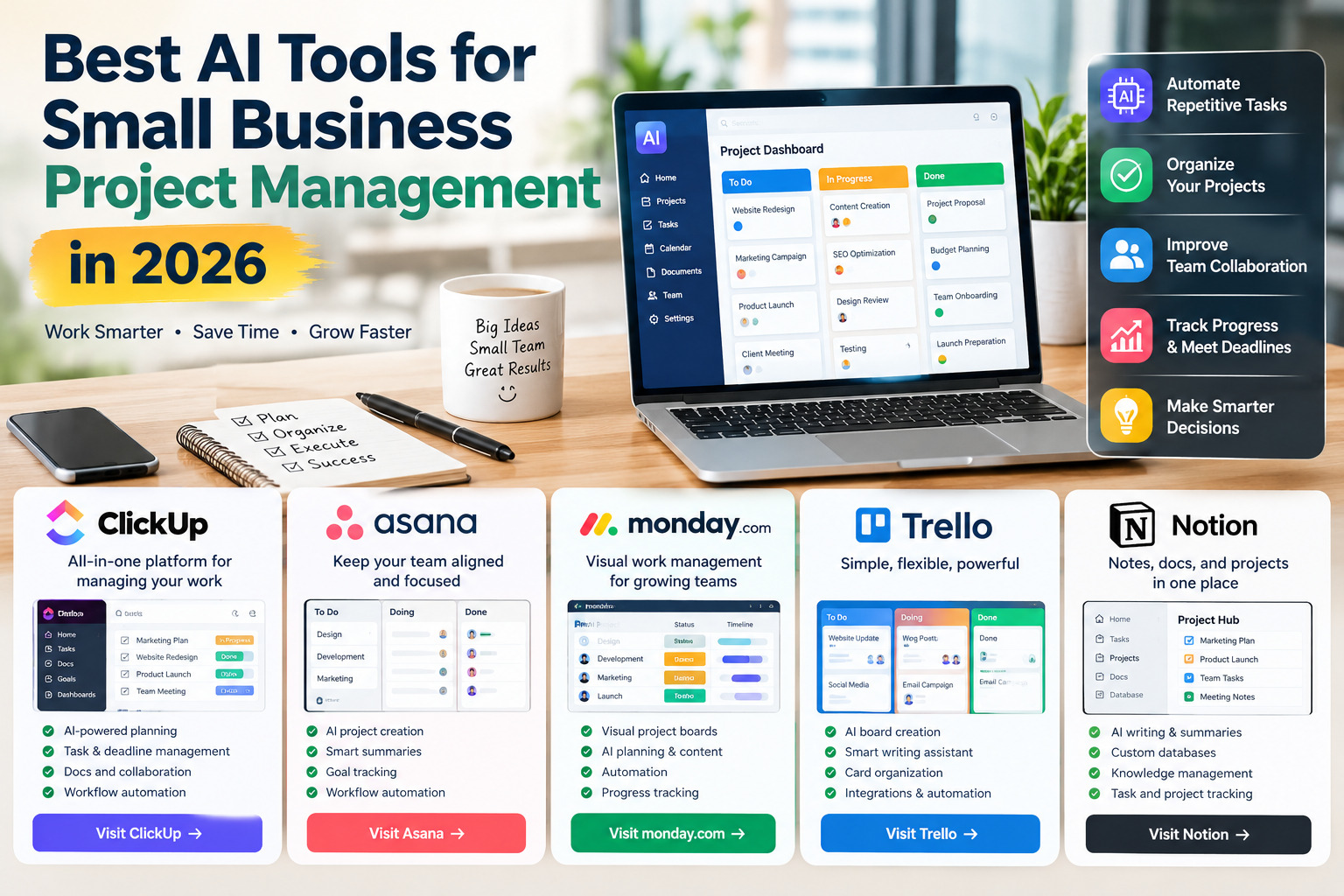
Best AI Tools for Small Business Project Management in 2026
Running a small business often means managing projects, employees, customer requests, deadlines, budgets, and daily operations with limited resources. Artificial intelligence is making these tasks easier by helping business owners organize workloads, automate repetitive processes, summarize project updates, and make better use of their time.
The best AI project management tools for small businesses combine task management, team collaboration, workflow automation, and intelligent reporting in one workspace. Some are ideal for visual project planning, while others offer advanced AI assistants, flexible databases, or simple boards that are easy for small teams to adopt.
In this guide, we compare five popular AI-powered project management platforms for 2026, highlighting their key features, practical benefits, and the types of businesses that may benefit most from each tool.
1. ClickUp: Best All-in-One AI Project Management Tool
ClickUp is an all-in-one work management platform designed to bring tasks, project plans, documents, communication, and reporting together. It can be a useful choice for small businesses that want to manage several aspects of their operations without constantly switching between separate applications.
Key Features of ClickUp
- AI-powered project planning: Help teams draft project plans, organize tasks, and identify priorities more efficiently.
- Task and deadline management: Assign responsibilities, set due dates, track dependencies, and monitor progress.
- AI meeting assistance: Capture important discussion points and turn relevant decisions into actionable tasks when supported by the selected features.
- Project summaries and updates: Make lengthy project discussions easier to review and identify important next steps.
- Documents and team collaboration: Keep project documentation and related work in a connected workspace.
- Automated workflows: Reduce repetitive administrative work through task rules and workflow automation.
Why Small Businesses May Choose ClickUp
ClickUp is particularly useful for small teams that handle multiple projects at once, such as marketing agencies, software teams, consultants, and online businesses. Its broad feature set allows businesses to organize work, share information, and track deadlines in one place.
However, its extensive customization options may take time to learn. Small teams should start with a simple project template and introduce more advanced features only when needed. AI capabilities and usage limits can depend on the selected subscription.
Access ClickUp: https://clickup.com/
2. Asana: Best for Team Coordination and Project Visibility
Asana is a project and work management platform that helps teams coordinate responsibilities, track progress, and connect daily tasks with larger business goals. Its AI features can assist with project creation, summaries, status updates, and workflow automation.
Key Features of Asana
- AI-generated project structures: Create project outlines with suggested descriptions, sections, and custom fields.
- Smart summaries: Summarize tasks, projects, and portfolio activity so team members can understand important developments faster.
- Smart status updates: Help identify potential blockers, unanswered questions, and areas that need attention.
- AI-assisted writing: Improve task descriptions and make project communication clearer.
- Workflow automation: Build rules that help route requests, manage approvals, and handle repetitive steps.
- Goal tracking: Connect team activities with business objectives and monitor progress toward defined outcomes.
Why Small Businesses May Choose Asana
Asana is a strong option for businesses that need clear ownership and accountability. A marketing agency, for example, can use it to coordinate content production, campaign approvals, customer feedback, and publishing deadlines.
Its project views and reporting features help managers understand what is happening without asking every employee for a separate update. Teams should check which AI capabilities are included in their plan, because availability may depend on the subscription and administrator settings.
Access Asana: https://asana.com/
3. monday.com: Best for Visual Project Planning and Workflow Automation
monday.com offers a visual work management environment where businesses can organize projects, track responsibilities, monitor deadlines, and automate recurring workflows. Its AI capabilities can support planning, content creation, information analysis, and project updates.
Key Features of monday.com
- Visual project boards: Display tasks, owners, deadlines, statuses, and milestones in an easy-to-follow format.
- AI-assisted project planning: Help create structured project plans from descriptions of business goals and requirements.
- Workflow automation: Trigger actions when tasks change status, deadlines approach, or specific conditions are met.
- AI content assistance: Help draft, improve, and summarize work-related content within supported features.
- Progress tracking: Monitor project activity and identify tasks that may need additional attention.
- Team collaboration: Keep project information, files, conversations, and responsibilities organized in connected workflows.
Why Small Businesses May Choose monday.com
monday.com can work particularly well for retail businesses, marketing teams, service providers, and growing companies that prefer visual dashboards over complicated project management systems.
For example, an online store can use a board to manage product launches, supplier tasks, promotional campaigns, and customer service improvements. Automation can reduce the need to update every task manually, while dashboards give managers a clearer overview of ongoing work.
The main consideration is cost and feature availability. Businesses should compare subscription plans, automation allowances, and AI access before choosing a package.
Access monday.com: https://monday.com/
4. Trello: Best for Simple and Visual Task Management
Trello is known for its board-and-card system, which makes it easy to organize work into stages such as To Do, In Progress, and Completed. It is especially attractive to small teams that want a straightforward way to visualize tasks without adopting a complex project management system.
Key Features of Trello
- Visual task boards: Organize tasks into lists and move cards between stages as work progresses.
- AI-assisted board creation: Generate a starting board from a project description using supported AI features.
- AI writing assistance: Draft, rewrite, shorten, or summarize text in card descriptions and comments.
- Card organization: Store deadlines, checklists, attachments, comments, and task details together.
- Team collaboration: Assign cards to team members and make responsibilities visible.
- Power-Ups and automation: Extend Trello through integrations and automate selected repetitive actions.
Why Small Businesses May Choose Trello
Trello is a practical choice for freelancers, small marketing teams, content creators, and businesses that need to coordinate a manageable number of tasks.
A small online business could create separate lists for new product ideas, products being prepared, published listings, and completed promotions. Each card can contain the relevant instructions, files, and deadlines.
Its simplicity is a major advantage, although businesses managing complex dependencies, large portfolios, or advanced reporting requirements may eventually need a more comprehensive platform. Trello’s built-in AI features are available on eligible paid plans, so users should confirm current plan requirements before relying on them.
Access Trello: https://trello.com/
5. Notion: Best for Combining Project Management and Business Documentation
Notion combines notes, documents, databases, team knowledge, and project tracking in a flexible workspace. Its AI capabilities can help teams find information, draft content, summarize notes, and work with information stored in connected pages and databases.
Key Features of Notion
- Custom project databases: Organize tasks, owners, deadlines, priorities, and project status in customizable tables and views.
- AI writing assistance: Draft project briefs, improve business documents, and turn rough notes into clearer content.
- AI summaries: Condense meeting notes, project updates, and lengthy documents into more manageable information.
- Knowledge management: Keep standard operating procedures, company policies, project instructions, and internal resources in one workspace.
- Task and project organization: Connect tasks with project pages, supporting documents, and relevant business information.
- AI-powered information retrieval: Find useful information and answer questions using available workspace content and supported capabilities.
Why Small Businesses May Choose Notion
Notion is particularly useful for businesses that need a central location for both project management and documentation. Consultants can organize client projects and meeting notes, while online businesses can maintain product information, content calendars, operational procedures, and marketing plans.
Its flexibility makes it possible to design a workspace around a company’s own processes. However, teams may need to build their own databases and templates before the system becomes easy to use. Businesses should also review the current AI plan and usage conditions before adopting AI-dependent workflows.
Access Notion: https://www.notion.com/
Comparison of the Best AI Project Management Tools
The following table summarizes the main strengths of each platform to help small business owners narrow down their options.
| Tool | Main Strength | Best-Suited Business Need |
|---|---|---|
| ClickUp | Broad project and work management features | Teams managing multiple types of work |
| Asana | Accountability, goals, and project visibility | Teams coordinating complex workflows |
| monday.com | Visual planning and automation | Businesses managing repeatable processes |
| Trello | Simple boards and task tracking | Freelancers and small teams |
| Notion | Documents, knowledge, and project databases | Businesses that need one organized workspace |
How to Choose the Right AI Project Management Tool
Selecting a project management platform should begin with the problems your business needs to solve, rather than the number of AI features a product advertises.
1. Identify your main workflow. If your business manages many interconnected projects, a broader platform such as ClickUp or Asana may be appropriate. If you mainly track tasks visually, Trello may be sufficient. If documentation is central to your operations, Notion deserves consideration.
2. Compare the total cost. Review the cost per user, billing frequency, AI access, automation limits, storage, and the features included in each subscription. A low starting price does not always mean the lowest total cost as your team grows.
3. Test ease of use. A tool only creates value if employees use it consistently. Start with a small project, invite the people who will use the system daily, and evaluate how easily they can update tasks and understand priorities.
4. Check integrations. Consider whether the platform works with your existing email, calendars, file storage, accounting software, customer relationship management system, and communication tools.
5. Review privacy and access controls. Small businesses may store client details, financial information, contracts, and internal plans in project systems. Review data handling, permissions, retention settings, and the provider’s AI policies before entering sensitive information.
6. Measure practical results. Track whether the tool reduces missed deadlines, repetitive administrative work, time spent preparing updates, or confusion over task ownership. These measures are more useful than simply counting the AI features available.
Final Thoughts
The best AI project management tool for a small business depends on the team’s size, budget, working style, and operational needs. ClickUp is worth considering for businesses seeking a broad work management environment, while Asana offers strong project coordination capabilities. monday.com suits teams that prefer visual workflows, Trello keeps task tracking simple, and Notion combines projects with business documentation.
Before committing to a paid subscription, test the platform using a real business project and confirm the current pricing and AI feature limits. The most effective solution is not necessarily the one with the most advanced AI; it is the one that helps your team organize work, make responsibilities clear, and deliver projects more consistently.


